

Why Enterprises Choose Headless CMS Solutions for Modern Content Management
A practical guide to enterprise headless CMS: costs, trade-offs, and choosing between traditional, hybrid, or headless WordPress without workflow disruption.
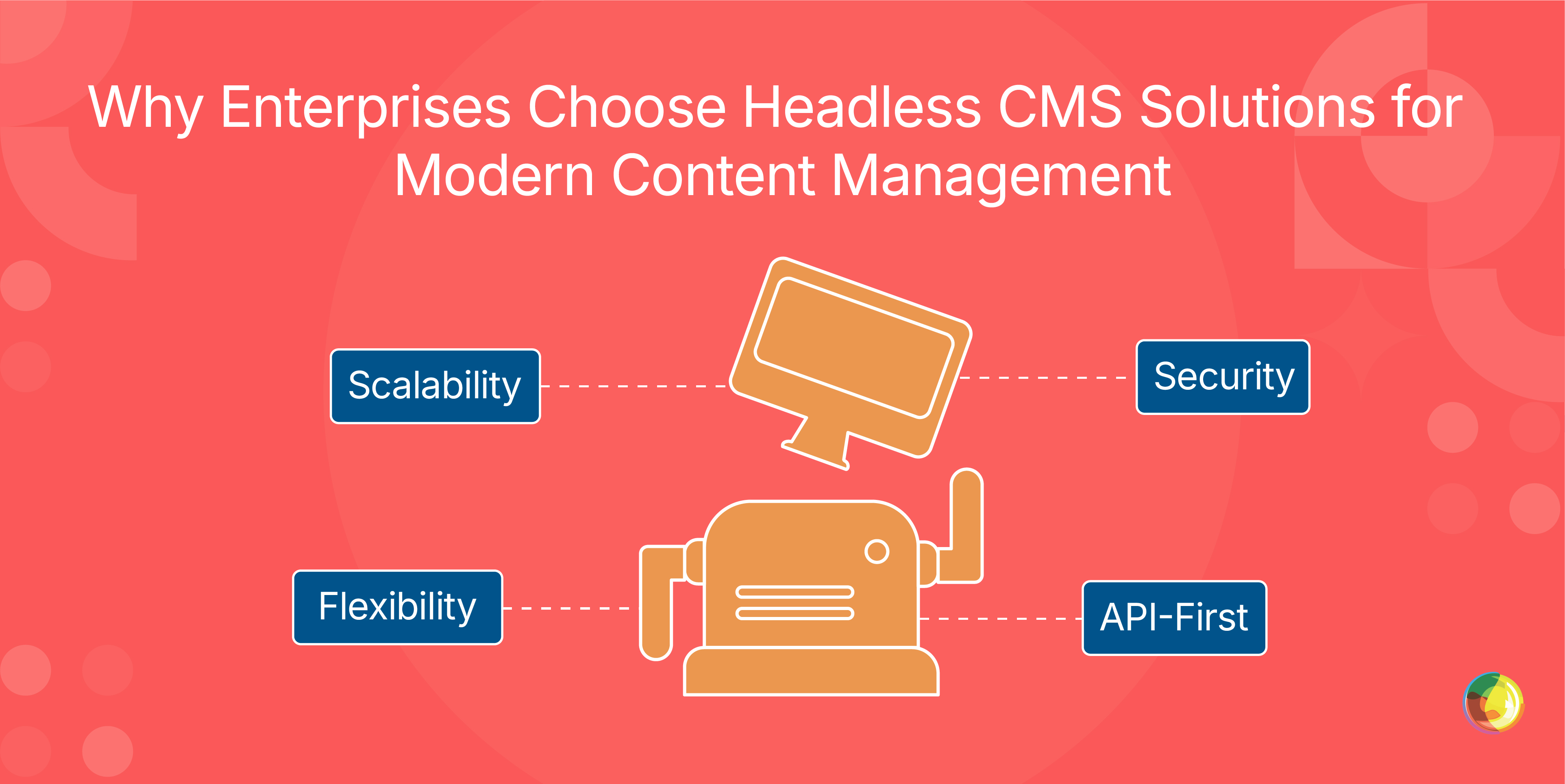
Table of Contents
Key Takeaways
- Price the "tiny edits," not the platform – if routine content updates need developers, your real costs will show up fast.
- Pick architecture to fit people, not principles – disrupting editorial workflows for technical purity is usually a net loss.
- Design content like data – structured models unlock reuse, AI readiness, and future channels by default.
- If WordPress already works, extend it – headless or hybrid setups with partners like Multidots modernize delivery without retraining your entire team.
When you’re wading through a sea of bold claims about headless CMS, it’s easy to find yourself wondering what actually holds up in the real world. Faster. More flexible. Future-proof. Sure – but which setup actually fits your organization, and what does it really cost to run once theinitial launch phase has passed and the realities of ongoing maintenance, integration, and scaling set in?
Most guides skip the awkward bits that tend to surface later on: the developer time swallowed up by everyday content tweaks, surprise pricing once usage scales, and whether your editorial team can adapt without grinding output to a crawl.
This guide takes a more clear-eyed approach. You’ll get straight-talk cost breakdowns, real platform constraints you won’t find in sales decks, and a practical framework for WordPress-heavy teams weighing whether to build on what they have or start fresh.
You’ll understand:
- When traditional, headless, hybrid, and headless WordPress architectures actually make sense.
- What total cost of ownership really includes (hint: it’s more than licences):
- CMS licensing or platform fees (Contentful, Sanity, etc.)
- Frontend development (React, Next.js, etc.)
- Hosting (CMS + frontend infrastructure)
- Integration development (CRM, search, analytics)
- Ongoing developer support for updates and changes
- Editorial training and workflow adaptation
- How to assess platforms based on how your teams work (instead of how vendors pitch).
- Whether modernizing your frontend is worth the disruption to editorial workflows
By the end, you’ll have a defensible recommendation – plus realistic expectations on effort, cost, and trade-offs – to take straight to stakeholders.
What Is An Enterprise Headless CMS?
An enterprise headless CMS separates content management from presentation. Instead of locking content into one website or layout, headless platforms store it as structured data and deliver it via APIs to websites, mobile apps, kiosks, or whatever channel you need next.
The "enterprise" part isn’t just window dressing. Enterprise headless CMS platforms are built for scale – thousands of pages, millions of visitors, and editorial workflows spanning teams, regions, and time zones. They come with serious governance, security compliance (think SOC 2 and GDPR), granular permissions, and SLAs that keep mission-critical publishing online.
Traditional CMS platforms bind content and design together. In WordPress or Drupal, templates tightly couple content and presentation in the same system, making reuse across channels harder. That tight coupling makes reuse painful – pushing the same content to apps, emails, or digital displays usually means duplication or clunky workarounds.
Headless changes that. Content lives independently as data. Developers build the frontend that makes sense – React, Next.js, native apps – and pull content via standardized APIs. Marketing owns the message. Developers own the experience.
Core Features That Power Large-Scale Content Operations
API-first delivery sits at the center of it all. Enterprise headless CMS platforms expose content through REST or GraphQL APIs, letting the same article, product description, or asset power websites, apps, smart TVs, or IoT devices without requiring reformatting. Publish once, distribute everywhere.
Composable architecture adds flexibility. Instead of swallowing everything a monolithic platform bundles in, you plug together best-in-class tools – Algolia for search, Shopify for commerce, a headless CMS for content. Each tool does its job well, and when something better comes along, you can swap it without rebuilding your entire stack.
This is where headless differs from Digital Experience Platforms (DXPs). DXPs arrive fully assembled, but you’re locked into the vendor’s blueprint. Headless CMS gives you the materials and lets you design the structure. DXPs work when their vision matches yours. Composable headless shines when flexibility (or avoiding vendor lock-in) matters.
Content modeling ties it all together. Instead of pouring text into a single editor, you define reusable components – author profiles, article bodies, image galleries, product specs. Set the structure once, and it adapts automatically across desktop, mobile, voice assistants, and future channels you haven’t built yet. Update it in one place, and every surface reflects the change instantly.
Why Large Organizations Move To Headless Systems
So, why are big organizations making the jump to headless? A few very practical reasons:
Marketing teams move faster. Campaigns can go live across websites, apps, email, and even digital signage in one go, eliminating the need to wait for developers to tweak templates. When Black Friday needs to hit at midnight, content teams publish instantly. Zero queues or bottlenecks.
Developers finally get some breathing room. Headless setups let engineering teams build with modern frameworks like React, Next.js, or Vue, without fighting a monolithic CMS. Tooling decisions are driven by performance and UX, not by whatever the CMS vendor shipped ten years ago.
Structured content also sets you up for what’s next, with AI search engines, voice assistants, and new channels all relying on clean, structured data. Large language models and generative search systems don’t "read" pages the way humans do – they ingest and interpret structured signals. Clear field definitions, semantic tagging, schema markup, and modular content blocks help them understand what a piece of content is (a product spec, a definition, a step-by-step guide) rather than just how it looks on the page.
Security also tightens up. Traditional CMS platforms expose admin panels and databases to the public web – prime targets for attackers. Headless hides the backend completely. The public only sees a frontend pulling data via APIs. Fewer doors, fewer locks to pick.
Real-time integrations replace manual fixes. APIs connect your CMS directly to CRMs, inventory systems, pricing engines, and customer databases. Prices, availability, and customer data stay current everywhere because the site pulls live data.
When Headless CMS Becomes a Liability
Headless architectures can create problems when:
- Content teams depend on developers for routine updates
- Preview systems are unreliable or poorly implemented
- API performance is not optimized or cached
- Content models are poorly structured
In these cases, teams lose speed instead of gaining it.
When A Hybrid or Headless WordPress Model Makes Sense
Hybrid headless offers flexibility through familiar tools. Content is delivered via APIs for omnichannel use, while editors keep the visual, drag-and-drop tools they already know. In a hybrid WordPress setup, the Gutenberg block editor remains available in the WordPress admin for visual, block-based editing, but that content is delivered via the REST API and typically needs to be parsed and rendered in the separate frontend rather than being automatically rendered visually as in a traditional theme.
Pure headless platforms like Contentful, Sanity, and Storyblok thrive when it comes to greenfield builds. But organizations with deep WordPress roots face a different reality – years of content, large editorial teams, and workflows that already work.
Headless WordPress modernizes delivery without scrapping what’s in place. Editors stay in Gutenberg. Content lives in familiar WordPress databases. Developers consume it via REST or GraphQL to power React frontends, mobile apps, or other experiences.
WordPress also dominates decoupled deployments by sheer scale, powering over 40% of the web. While Contentful and Sanity grab attention for new builds, headless WordPress implementations outnumber them. Enterprises don’t abandon systems that already function.
The trade-off is complexity and cost. Headless WordPress means running two systems: the WordPress backend and a separate frontend. That means changes need solid coordination, as performance needs tuning in both places. You’re paying for WordPress hosting, frontend hosting, and the glue between them. For teams heavily invested in WordPress’ ecosystem and reluctant to retrain, that’s often a fair trade. For greenfield projects, purpose-built headless platforms usually win.
How Multidots Supports Headless WordPress Implementation
Multidots starts where it matters: the editorial team. Their editorial-first approach keeps content teams working inside the WordPress interface they already know, while modernizing how content is delivered on the frontend so there are no ripped-up workflows and re-training. Instead, you just get familiar tools with headless advantages layered on top.
And this isn’t theory. In the Sneaker News case study, Multidots shows WordPress comfortably handling 35 million monthly page views in a decoupled setup – clocking 1.2-second load times, driving 60% organic traffic, and delivering a 1,418-position Alexa rank improvement in just three months.
Execution risk is reduced further by Multidots’ WordPress VIP Gold Partner status. Enterprise-level infrastructure, security compliance, and performance optimization are there from day one, sparing organizations the costly trial-and-error phase where scaling issues surface in production.
Just as important is how much autonomy their builds allow. Content teams can publish articles, update products, and run campaigns without logging tickets for every minor change. Developers are freed from day-to-day content ops to focus on architecture and new features.
Speed matters too. For enterprises working to tight timelines, Multidots has proven they can consolidate multiple properties and deliver migrations in 12 weeks without downtime, as seen in Ask Media Group’s 11-site migration supporting 10M+ monthly visitors.
Crucially, Multidots doesn’t default to headless WordPress. We assess strategic fit first, evaluating pure headless, hybrid, or headless WordPress based on ROI, long-term maintainability, and whether it makes more sense to build internal capability or lean on specialist partners.
Get Started With Your Enterprise Headless CMS Today
You’ve now seen the four main architectural paths: traditional CMS for simplicity, pure headless for flexibility, hybrid for balance, and headless WordPress for extending existing investments.
Each has merit, depending on your team, content scale, budget, and appetite for editorial disruption.
The biggest cost driver is developer time. Architectures that let content teams handle routine updates independently protect budgets far better than systems that require dev involvement for basic publishing.
For WordPress-heavy organizations, partnering with a WordPress VIP Gold Partner like Multidots can modernize the frontend without abandoning the editing experience your team relies on.
So, if you’re ready to sense-check your setup, contact Multidots to evaluate your current architecture and determine whether pure headless, hybrid, or headless WordPress delivers the strongest ROI for your situation.
Schedule a consultation call and discuss your migration requirements.
Contact Us


