What is Sanity CMS and When Should You Use it
This guide covers schema design, GROQ queries, caching architecture, and the criteria that determine whether the platform fits your requirements before you commit to building around it.
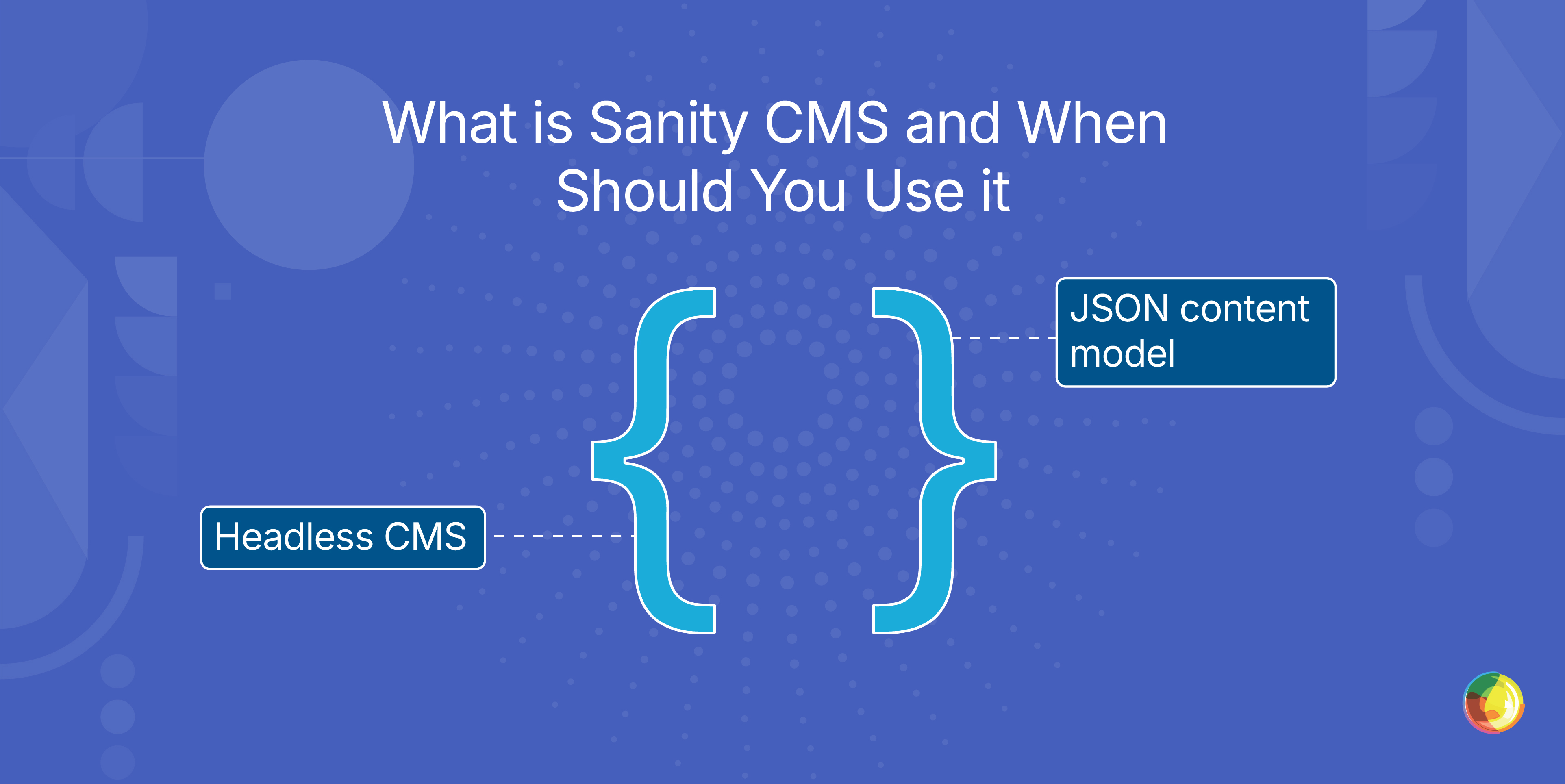
Table of Contents
Key Takeaways
- Sanity is backend infrastructure, not a finished website. The frontend, hosting, and security model are entirely separate builds you're responsible for.
- Schema design makes or breaks the editor experience. Content models built around real workflows prevent costly fixes after launch.
- Cost control depends on the caching architecture. Route production traffic through the CDN endpoint and add an edge-layer cache to prevent origin API cost spikes.
- Enterprise workflows and custom permissions in Sanity are built, not configured. There's no visual workflow builder; it's custom JavaScript or nothing.
- Multidots uses a parallel-run cutover model and Shield Architecture to validate performance before go-live, and tells you honestly when Sanity isn't the right fit.
Sanity CMS isn’t designed to give you a finished website out of the box. There are no themes, page templates, or predefined layouts. Instead, Sanity provides a backend system for structured content, exposed through APIs and designed to be reused across channels.
Sanity describes itself as a Content Operating System – and that distinction matters.
This guide is for technical leaders, digital teams, and enterprise decision-makers evaluating Sanity as part of a modern architecture. If you’re responsible for choosing a CMS that needs to power multiple websites, apps, or products from a single source of truth, this will help you understand what Sanity actually provides – and what it doesn’t.
Sanity works well when content needs to power more than one experience. It also means the frontend, hosting, performance strategy, and security model must be designed and built separately.
Its flexibility is what makes it powerful. It’s also where teams can run into trouble. Schema design, editorial workflows, and delivery architecture determine whether the platform feels scalable and efficient – or slow and expensive.
This guide explains what Sanity is built to do, what you’re responsible for building around it, and how to evaluate whether it’s the right fit before committing.
What Sanity CMS is and How it Works
To understand whether Sanity is a good fit, it helps to set aside how most content management systems work.
Sanity doesn’t organize content around pages, themes, or templates. It treats content as structured data, stored centrally and delivered through APIs. How that content appears on a website, in an app, or across other channels is handled separately, in the frontend.
This architecture is what makes Sanity fundamentally different from traditional CMSs, and it’s the starting point for understanding how Sanity is used in real-world implementations.
Content Stored as Structured Documents
In Sanity, content is stored as structured JSON documents with clearly defined fields and relationships.
A product, for example, might be a single document with fields for name, price, description, and images. That same document can then feed a website, a mobile app, an email campaign, or anything else that needs it. The content lives in one place, and different frontends decide how to present it.
This structure is defined through schemas written in code. That gives teams precise control over how content is created and validated, but it also means the setup work happens before editors ever log in.
Sanity schemas are written in JavaScript or TypeScript and stored in the project repository alongside application code. A basic document type definition includes a name, title, and fields array — for example, a blog post schema might define fields for title (string), slug (slug type), body (block content), and publishedAt (datetime). This code-first approach means schema changes go through version control, code review, and deployment pipelines rather than being made through a UI.
The payoff is reuse and consistency across channels. The trade-off is that the content model has to be thought through upfront. When schemas are rushed or unclear, the problems tend to show up later in editorial workflows and delivery performance.
Frontend Infrastructure You Build
Sanity handles content storage and APIs, but it doesn’t provide hosting, templates, or a visual page builder. There’s no built-in website layer.
That means you need to build, or commission, a separate frontend application. This is typically done using frameworks like Next.js, React, Vue, or Astro, depending on your requirements and team.
Sanity Studio, the editing interface, can be self-hosted if needed. The content itself always lives in Sanity’s managed Content Lake.
This creates two cost centers: a Sanity subscription for content management, and separate frontend hosting through providers like Vercel, Netlify, or AWS. Understanding this early helps avoid surprises later.
Real-Time Collaboration
Sanity supports real-time editing through its real-time datastore architecture. Multiple editors can work in the same document simultaneously and see updates reflected instantly, without manual refreshes or page reloads. This allows teams to work together in the same document without manual refreshes or page reloads. Real-time collaboration is powered by Sanity's EventSource-based listener API. On the Free plan, Sanity supports up to 2 non-admin users. The Growth plan supports up to 20 users, while the Enterprise plan offers unlimited users with custom role configurations. API listener concurrency and real-time event quotas are governed by plan-level rate limits and should be validated against your team size during evaluation.
API-First Delivery
Sanity delivers content through APIs rather than a built-in presentation layer. Content is typically queried using GROQ, Sanity’s native query language, which allows developers to filter, project, and reshape structured documents before they reach the frontend.
Sanity also offers a GraphQL API. Unlike GROQ, GraphQL requires deploying a generated schema tied to your content model. This adds an additional operational step but can be useful for teams standardizing around GraphQL-based tooling.
Both approaches allow teams to request only the fields and relationships they need, keeping payloads efficient and frontend logic clean.
With GROQ, data can be shaped at query time. You can project, filter, and transform content before it ever reaches the frontend, which helps keep payloads small and reduces unnecessary processing in the application.
For example, a GROQ query to fetch published blog posts with only specific fields would look like: *[_type == "post" && !(_id in path("drafts.**"))]{title, slug, publishedAt, "author": author->name}. This fetches only what's needed and resolves the author reference inline, avoiding a second round-trip. By contrast, fetching entire documents without projection can significantly bloat response payloads, especially as content models grow in complexity.
Because the content model is independent of how it’s displayed, the same data can feed a website, a mobile app, digital signage, or any other channel at the same time.
This separation between content and presentation makes it easier to scale systems independently, update frontends without touching content, and deploy changes without disrupting editors.
What Sanity Solves That Traditional CMSs Can't
Sanity is built for situations where page-based CMSs start to break.
When content needs to power multiple sites, apps, or products, traditional systems often rely on duplication, workarounds, or tightly coupled templates. Over time, that creates friction for both editors and developers.
Sanity does things differently by separating content from presentation and treating it as shared infrastructure. That extra flexibility comes with added complexity, so it only makes sense when the content problems are real.
Multi-Channel Publishing Without Duplication
In many traditional CMSs, content is closely tied to pages or templates. Reusing it across websites, mobile apps, or other platforms often means copying and pasting the same text into multiple places.
Sanity stores content as structured documents, enabling reuse of the same content across multiple contexts without duplication. A product description or legal disclaimer can live in one place and be referenced wherever it’s needed.
When that content is updated, the change is reflected everywhere it’s used. That removes the need for manual syncing and helps prevent version drift as systems and channels scale.
Reusable Content Components
With structured content, elements like testimonials, disclaimers, or calls to action exist as reusable components rather than embedded HTML.
These components are created once and referenced wherever they’re needed, which makes it easier to keep messaging consistent across large sites or multiple products. Updating a single component updates every place it’s used.
Sanity references are strong by default, preventing deletion of content that is still referenced elsewhere. Weak references can be configured, but they allow referenced documents to be removed without enforcing referential integrity. When used, the frontend must handle missing content safely.
Separating Developer Control from Editor Workflows
Developers define the content structure in code, including schemas, relationships, and validation rules. That work is version-controlled and sets the boundaries for how content can be created.
Editors then work inside Sanity Studio forms that reflect those rules, which helps prevent errors and keeps content consistent. They focus on writing and managing content, not on how it’s structured.
This separation of responsibilities works well once it’s in place, but it doesn’t remove the need for developers. The system has to be designed and maintained before editors can work efficiently.
Performance and Automation at Scale
Because Sanity delivers content through APIs, performance is handled at the delivery layer, not inside the CMS. This makes it possible to use edge caching, CDN-backed frontends, and optimized request patterns, but only if they’re designed intentionally.
Sanity’s image pipeline supports on-demand resizing and transformation through URL parameters. Images are processed once and cached globally, which can significantly reduce payload sizes when frontends limit the number of variants they request.
Sanity also supports webhooks that fire when content changes. These are commonly used to invalidate caches, trigger rebuilds, or notify downstream systems like translation or search indexing services.
Built-in CDN delivery and managed image optimization provide a solid performance baseline. Sustained performance at scale, however, depends on how the frontend is architected, how caching is implemented, and how automation is designed around content changes.
Implementation Requirements
Sanity provides the building blocks, not a finished system. Using it in production requires custom development decisions around content modeling, frontend architecture, hosting, and automation.
Content Models for Editor Success
Schema design has a direct impact on how usable Sanity feels for editors. Well-designed models reflect how people think about content. Poor ones create friction very quickly.
Flat schemas can force editors to repeat information, while overly nested references can slow queries and make content hard to reason about. Deciding what should be reusable versus embedded is a trade-off between flexibility and complexity.
Schema changes after launch aren’t free. They often require migration scripts and careful handling to avoid breaking existing content or editorial workflows.
Frontend Infrastructure and Hosting
With Sanity, you’re responsible for the entire presentation layer. That includes choosing the frontend framework and managing hosting costs separately from the CMS itself.
At scale, full static rebuild workflows become impractical. When page counts reach the tens of thousands, triggering a complete rebuild for every content update can lead to long build times and deployment bottlenecks. Teams typically move toward incremental regeneration, hybrid rendering, or on-demand revalidation strategies to keep updates fast and operational overhead manageable.
Build pipelines, deployments, and preview environments, then become ongoing DevOps concerns. Choosing Sanity isn’t just a CMS decision – it cascades into frontend architecture and operational complexity that needs to be owned long-term.
Caching Architecture That Controls Costs at Scale
Sanity exposes two primary read endpoints: api.sanity.io and apicdn.sanity.io.
- api.sanity.io connects directly to the origin Content Lake. It always returns fresh data and is typically used for previews, authenticated requests, and scenarios where uncached content is required.
- apicdn.sanity.io is the CDN-backed endpoint. It caches query responses globally and is designed for production read traffic.
These endpoints serve different purposes and shouldn’t be used interchangeably.
Production traffic should be routed through apicdn.sanity.io wherever possible. Sending high-volume read traffic directly to api.sanity.io increases the risk of hitting rate limits and consuming plan quotas faster than expected, particularly during traffic spikes.
At scale, many teams add an additional caching layer in front of Sanity. This may be implemented through edge workers, framework-level data caches (such as those in Next.js), or both. The goal is to minimize how frequently requests need to reach Sanity’s origin API at all.
Webhook-based cache invalidation is then used to keep content fresh while ensuring most requests are served from cache. Done well, this significantly reduces origin API usage and keeps performance and costs predictable.
Custom Workflows and Permissions That Enterprise Teams Need
Sanity supports role-based access control, but advanced permission models require Enterprise plans. Growth plans offer a fixed set of roles, while fully custom roles and granular permissions are reserved for Enterprise customers.
More complex editorial workflows (for example, multi-step approval flows involving legal or compliance teams) aren’t available out of the box. Sanity provides low-level primitives like document actions, badges, and APIs, but there’s no visual workflow builder. Implementing these flows requires custom JavaScript and ongoing maintenance.
Content Releases make it possible to bundle changes and publish them together, but they’re designed for controlled releases rather than unlimited scale. Larger campaigns often need to be split across multiple releases, which adds operational overhead.
For enterprise teams, workflows and permissions are achievable in Sanity, but they’re built rather than configured.
How Multidots Delivers Sanity Success
Sanity works well when it’s implemented deliberately. Most of the problems teams encounter aren’t platform-related. They come from rushed content modeling, weak caching decisions, or migrations that treat complex systems as simple export-and-import exercises.
After more than 300 CMS migrations, Multidots has repeatedly encountered these failure modes: deeply nested structures, inconsistent field usage, legacy HTML, broken character encoding, and content never designed to move between systems. That experience shapes how Sanity projects are approached from the start.
Migrations are handled through a parallel-run cutover model, where the existing system and Sanity operate side by side while content, rendering, and performance are validated against real traffic. Nothing switches until the new system is proven stable, which avoids downtime and last-minute surprises.
The Shield Architecture That Controls API Costs
Sanity’s API model is powerful, but cost control depends on how traffic is routed.
We design implementations so public traffic is served through cached delivery layers, while the Live API is reserved for previews and authenticated use. This keeps origin API usage predictable as traffic grows.
Caching is handled through middleware and edge-layer strategies rather than ad hoc fixes. In practice, this significantly reduces the frequency of direct Sanity queries and prevents cost spikes during high-traffic events.
Retrofitting cost controls after traffic grows is slower, riskier, and more expensive.
Content Modeling That Matches How Teams Work
Schema design determines whether Sanity feels intuitive or painful.
Our approach starts with editorial workflows, not database theory. We model content around how teams actually create, reuse, and update it, which reduces training time and prevents workarounds from creeping in.
Validation rules and custom inputs guide editors toward correct data entry, catching problems early instead of letting malformed content break frontends later. At the same time, we avoid deep reference chains that slow queries and complicate delivery.
When Sanity succeeds internally, it’s usually because the content model makes sense to the people using it every day.
Global Delivery Model That Makes Enterprise Quality Accessible
Enterprise Sanity expertise is often concentrated in high-cost consultancies.
However, our delivery model makes senior Sanity experience accessible without enterprise consultancy pricing. As an official Sanity partner with hundreds of migrations completed, we’ve seen enough real systems to know where the risks are – and when Sanity isn’t the right choice at all.
We work in phases: start with lower-risk sections, validate performance and costs under real traffic, then scale deliberately. That lets teams make informed decisions early, rather than committing blindly to a complex architecture.
This results in clarity. You get an honest assessment when Sanity isn’t a fit – and a production-grade implementation when it is.
Choose Your Implementation Partner Before Your Platform
Sanity is powerful, but it’s certainly not forgiving.
Its architecture rewards teams that plan carefully and penalizes those that treat it like a traditional CMS. The difference between a fast, flexible system and an expensive source of friction usually has less to do with Sanity itself and more to do with how it’s implemented.
Before choosing Sanity (or any backend-first platform), it’s worth asking a simpler question: who is going to design, build, and operate this system over time?
A capable partner must show experience with complex migrations, deliberate content modeling, cost-aware caching, and zero-downtime cutovers. This is standard work, not exceptions.
The right partner will also be honest when Sanity isn’t the right fit. Not every organization needs this level of flexibility, and not every content problem justifies the complexity. Clarity early on is far cheaper than course correction later.
If you’re evaluating Sanity and want a realistic view of timelines, costs, and trade-offs, talk to Multidots. We’ll help you assess your content challenges first and whether Sanity is the right tool to solve them.
Feel free to schedule a quick call with our migration expert.
Contact Us