
Key Takeaways
- If your site runs 30–40+ plugins, you’re likely managing technical debt rather than content. Simplify the stack before blaming the platform.
- Pick the platform for the job: Shopify for selling, Ghost for publishing, site builders for simple sites, and headless CMS for multi-channel delivery.
- Many “WordPress problems” are implementation problems. Clean architecture often fixes what migration won’t.
- Evaluate platforms by total cost of ownership, not feature lists – migrations, lock-in, and dev overhead soon add up.
- Fix the architecture before switching platforms – you can often solve performance issues with better caching, indexing, and a CDN.
Most WordPress alternative guides roll out the same familiar routine: a parade of platform logos, a few vague descriptions, and not much help when it comes time to actually choose. So we’re taking a more practical route.
Instead of tossing dozens of tools into one big pile, we’ve filtered them into four categories tied to real-world use cases:
- Small-site builders for simple sites.
- Commerce platforms for online stores.
- Publishing tools for content creators.
- Enterprise CMS platforms for multi-channel operations.
Along the way, you’ll see when switching platforms genuinely makes sense, and when sticking with WordPress is the smarter call. Some frustrations – constant plugin updates, performance bottlenecks, security patching overhead – can be signs that another platform solves your problem more cleanly. Others come down to poor WordPress implementation rather than platform limits, and switching simply burns time and money without fixing the real issue.
Sometimes the honest answer is Shopify, Ghost, or Sanity, depending on what you need. In other cases, a properly implemented enterprise WordPress setup still outperforms the migration route. The key is cutting through the vendor marketing and weighing the real tradeoffs: total cost over time, data portability, development requirements, and operational overhead.
That’s exactly what this guide lays out – so you can make a confident platform decision based on your actual needs rather than assumptions about what modern platforms should deliver.
Quick Decision Guide
- Choose Shopify → if selling products is your primary goal.
- Choose Ghost → if content publishing is your core focus.
- Choose Wix/Squarespace → if you need simplicity over flexibility.
- Choose headless CMS → if you need omnichannel delivery.
- Stay on WordPress → if your issues are caused by poor implementation.
The right platform depends on your use case — not trends.
Why People Move Away From WordPress
Often when companies abandon WordPress it’s to do with how the platform has been implemented, rather than WordPress itself. Understanding which issues actually apply to you matters. Otherwise switching platforms simply trades one set of headaches for another.
Plugin Overload Creates Fragility
It usually starts innocently enough. You install a plugin to solve a problem. Then another. And another. Before long, your site is running 30–50 plugins, and somewhere along the way you’ve accidentally built a fragile little dependency chain.
Then comes the moment of truth. One update lands and the dominoes begin to fall. A security patch for your caching plugin clashes with your form builder. That knocks out the CRM integration. Suddenly your lead generation stops working, and nobody’s quite sure which update lit the fuse.
This is the hidden downside of plugin-first problem solving: technical debt creeps in as teams keep adding tools to fix immediate issues, rarely stopping to consider the long-term maintenance burden. Compatibility conflicts multiply. Some plugins get abandoned when their developers move on, leaving security vulnerabilities behind, and no obvious replacement.
Plus every plugin adds one more moving part to watch, update, and troubleshoot. Gradually, content management stops being about managing content and starts feeling a lot more like managing compatibility.
Security Anxiety Stems from Third-Party Code
Most WordPress vulnerabilities don’t actually come from WordPress itself. The core software is patched quickly whenever security issues appear, and those updates tend to roll out fast.
The trouble usually starts elsewhere – namely plugins and themes, especially the poorly written ones.
And that’s where things get awkward. Teams often delay updates because patches have a habit of breaking existing functionality. So you end up in a constant balancing act: leave things alone and accept the security risk, or update everything and hope the site doesn’t suddenly fall over.
WordPress’s sheer popularity doesn’t help either. Being the world’s most widely used CMS makes it a tempting target, and outdated plugins and themes are the most common way attackers get in. When a security alert pops up, figuring out which plugin caused the problem can require technical expertise many smaller teams simply don’t have, leaving them staring at the warning and wondering how to fix it without making matters worse.
Performance Bottlenecks Without Proper Architecture
Performance issues tend to appear gradually. Database tables grow into the millions of entries without proper indexing, and traffic spikes from promotions or events start producing timeout errors.
Sites without object caching run identical database queries on every page view, multiplying server load unnecessarily. Add bloated code and plugin-heavy architecture, and Core Web Vitals scores suffer, hurting both search rankings and user experience. Standard shared hosting rarely has the server capacity or CDN infrastructure to handle sudden traffic surges reliably.
When Staying on WordPress Is the Better Choice
Switching platforms may not solve your problems if:
- Performance issues stem from poor caching or hosting.
- Plugin overload is the real issue.
- Security concerns come from outdated plugins/themes.
- Your team already knows WordPress workflows.
In these cases, improving your architecture delivers better ROI than migrating.
Which Platform Category Fits Your Situation
Not every problem requires abandoning WordPress. Sometimes it’s simply about choosing the right type of platform.
Small-site builders suit sites under 50 pages that prioritize simplicity over flexibility. Wix, Squarespace, and Weebly remove maintenance overhead when customization isn’t critical.
Commerce platforms make sense when selling is the main job. Shopify and BigCommerce treat transactions, inventory, and payments as core features rather than bolted-on plugins.
Publishing tools focus on content velocity for writers. Ghost provides fast, streamlined publishing without heavy administrative layers.
Enterprise CMS platforms handle structured content distributed across websites, mobile apps, and other digital channels. Sanity, Contentful, and Drupal offer the governance and architecture required for complex delivery environments.
Platform Categories at a Glance
- Site builders → simplicity, low maintenance.
- Commerce platforms → selling-focused features.
- Publishing tools → content-first workflows.
- Enterprise CMS → structured, multi-channel delivery.
Choosing the right category matters more than choosing a specific tool.
11 WordPress Alternatives for Different Situations
If your pain points come from a platform mismatch, moving to a platform designed for your use case can be the smarter move. The options below solve different problems for different organizations.
Small-Site Builders
Wix for Maximum Template Flexibility
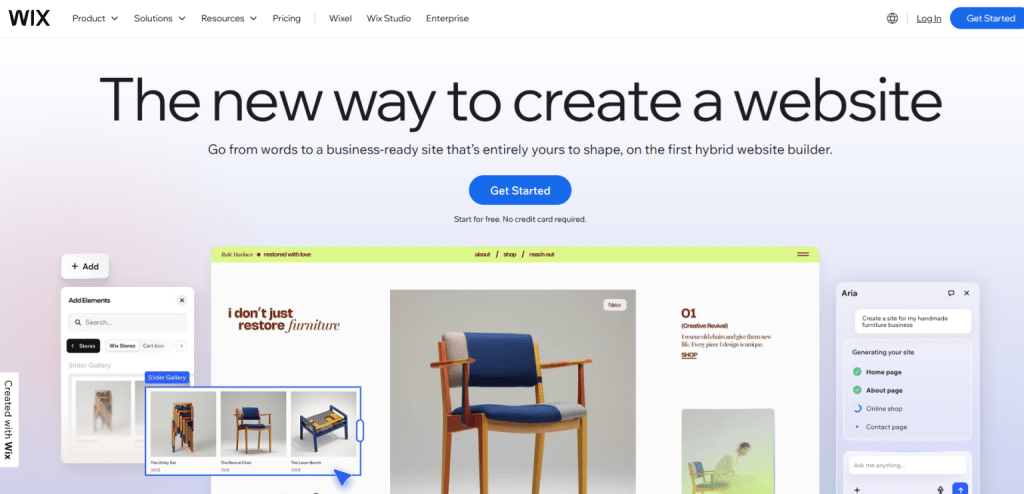
Wix provides 900+ templates with drag-and-drop editing that requires zero coding or technical skills. SEO tools, hosting, and security are bundled into subscriptions starting at $17/month, removing the plugin management headaches that frustrate many WordPress users.
The catch is switching templates after launch means rebuilding the entire site, which creates real costs if your design needs change. Best fit: small businesses and freelancers who want strong visual control without ongoing technical work.
Squarespace for Design-Forward Portfolios
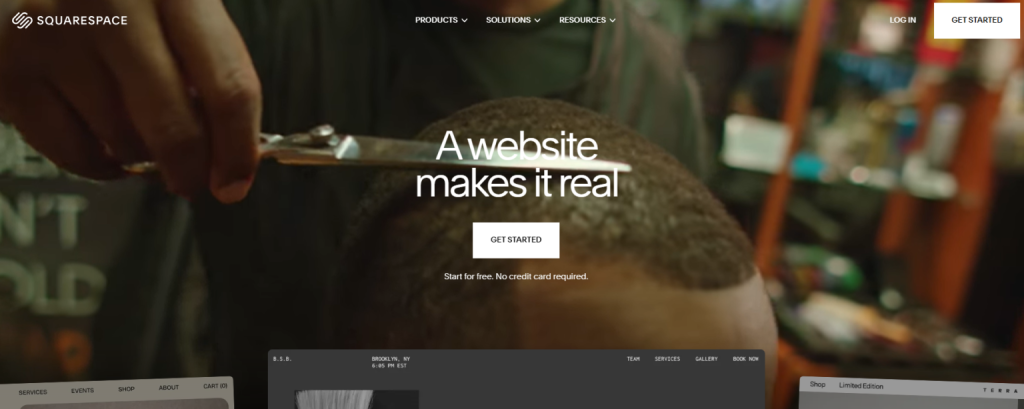
Squarespace is known for award-winning templates, polished typography, and strong image presentation – ideal for portfolio-style sites. Native blogging also delivers a smoother editorial experience than most drag-and-drop builders, which suits creative professionals who publish regularly.
The downside is limited navigation depth and URL flexibility make it unsuitable for complex information architecture beyond about 50 pages. Pricing starts at $16/month for personal sites and reaches $52/month for advanced commerce features.
Weebly for Ultra-Simple Free Sites
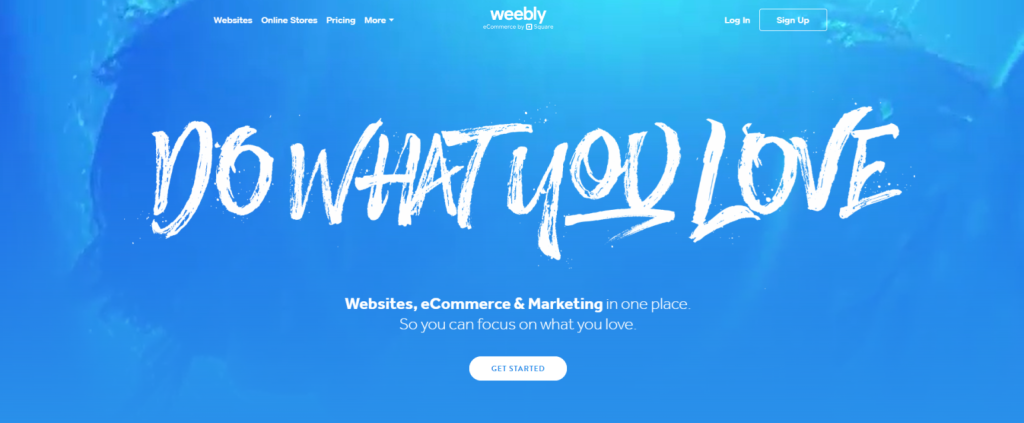
Weebly’s free tier supports basic websites with Weebly branding and limited functionality. Its editor is among the simplest available, appealing to users who want the smallest possible learning curve.
However, development largely stalled after Squarespace acquired the platform, with few meaningful updates since 2018. If long-term platform evolution matters, more actively developed builders may be safer bets.
Commerce Platforms
Shopify for Single-Brand Store Simplicity
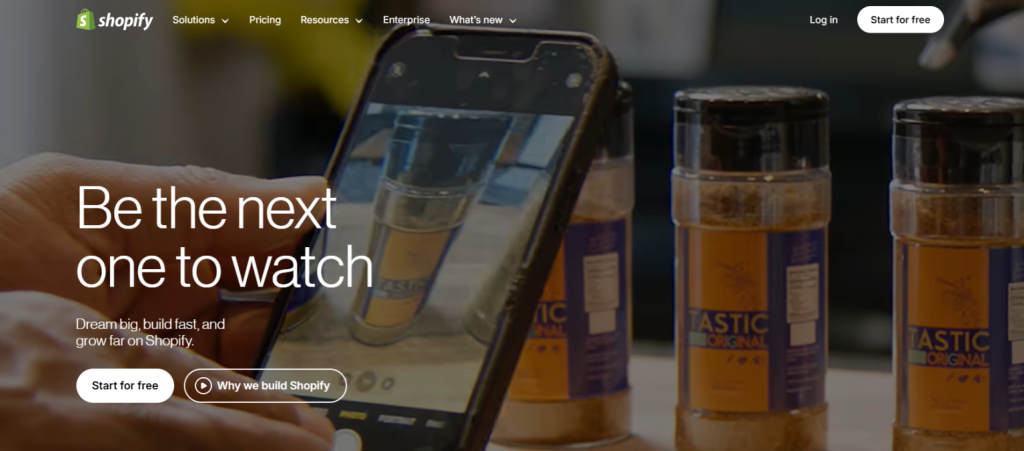
Shopify delivers complete commerce infrastructure – payments, inventory, shipping, and tax handling – without plugin dependencies. Transaction fees run 2.9% + $0.30 per sale unless you use Shopify Payments, which removes the transaction fee but ties you more tightly to Shopify’s ecosystem.
Migration can be difficult because the system is intentionally closed, with limited data export and built-in vendor lock-in. Pricing ranges from $39 to $399/month, with apps often adding another $50–$200/month for essential functionality.
BigCommerce for Multi-Brand Operations
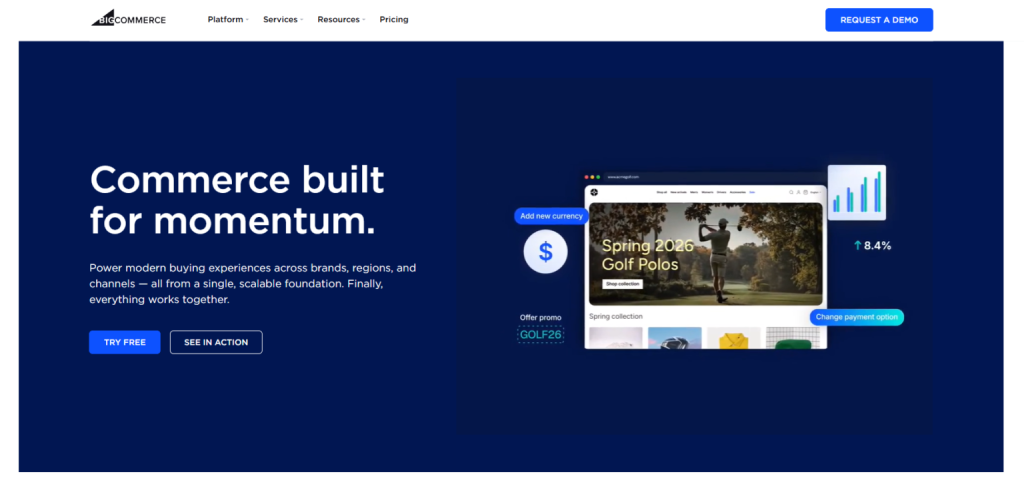
BigCommerce charges no transaction fees regardless of payment processor, unlike Shopify’s fee model. Its multi-storefront architecture supports multiple brands, currencies, and product catalogs from a single admin dashboard – efficient for organizations running several stores.
A hybrid headless option allows API-first development while retaining a traditional editing interface. Pricing begins at $39/month but scales with annual revenue, potentially exceeding $400/month at higher tiers.
Publishing Tools
Ghost for Managed Publishing Without Maintenance
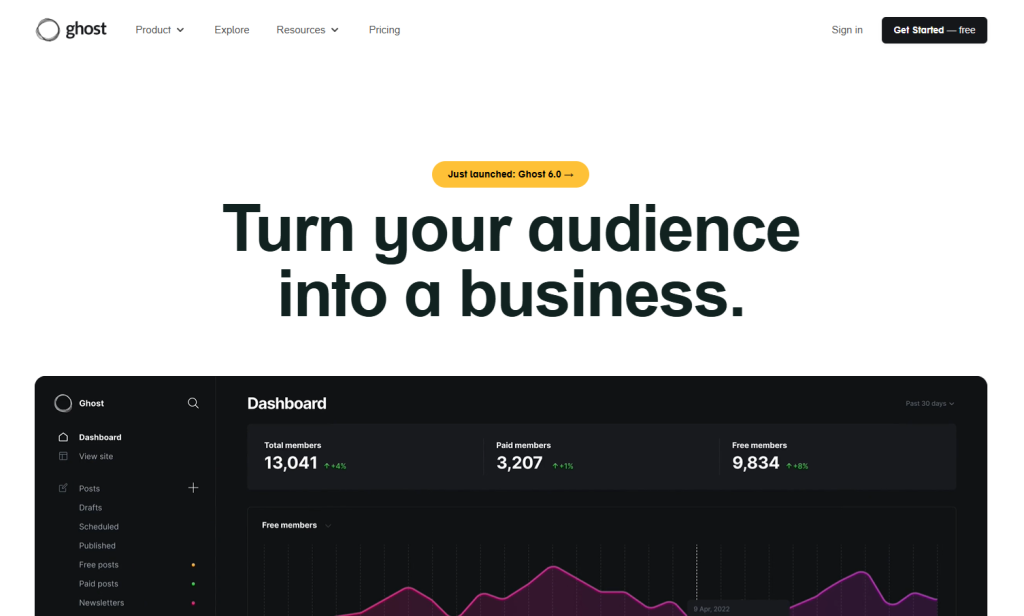
Ghost’s managed cloud removes the operational burden entirely. That means no security patches, plugin updates, or infrastructure to maintain. Memberships, paid subscriptions, and newsletter delivery are built into the core platform.
Built on Node.js, Ghost also delivers faster baseline performance than PHP-based WordPress. Pricing runs from $11/month for individual creators to $249/month for publication teams.
Webflow for Professional Designer Control
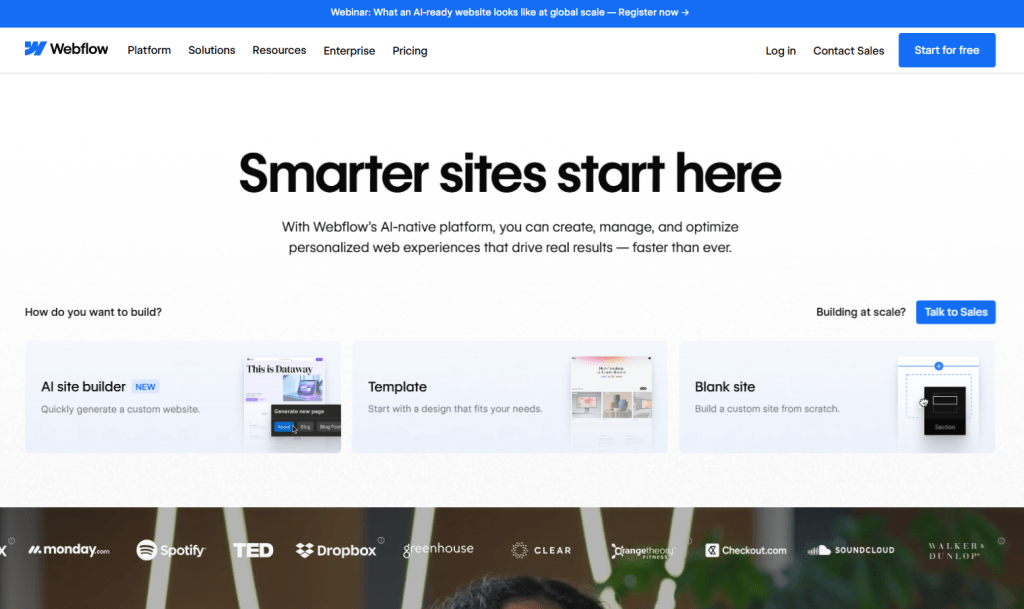
Webflow offers visual development with full CSS control and advanced animations, appealing to professional designers who want precise control. It can export clean HTML/CSS code, although CMS content and dynamic functionality are stripped out during export.
CMS site pricing ranges from $18 to $49/month, following price increases of roughly 20–30% introduced in 2024.
Framer for AI-Powered Interactive Design
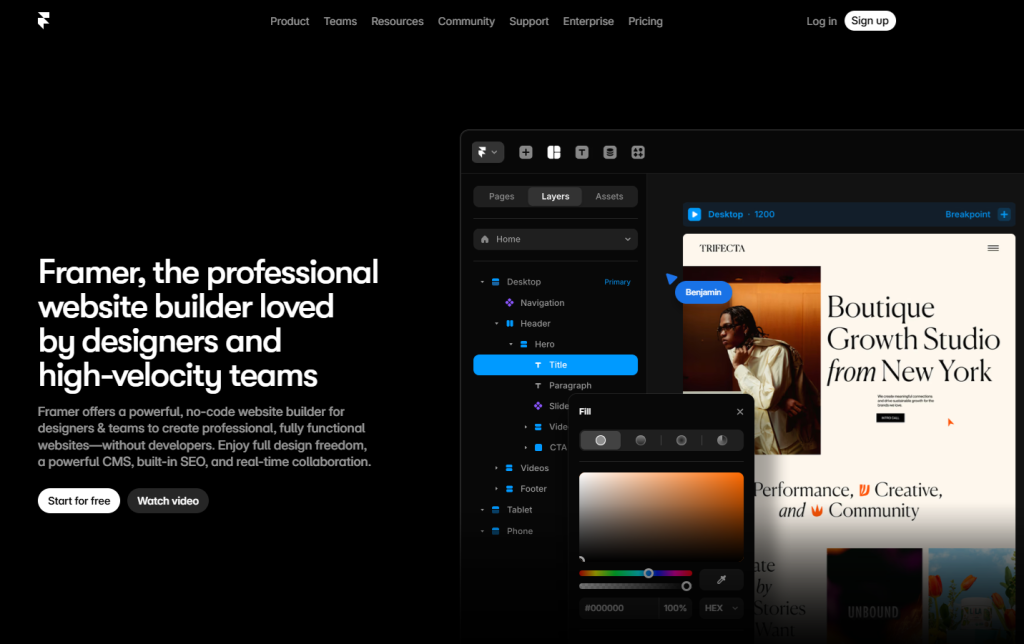
Framer provides a Figma-like interface with built-in animations and micro-interactions suited for interactive prototypes. AI-powered component generation and design suggestions help teams move quickly through prototyping and layout work.
Its proprietary layout engine prevents exporting functional sites or self-hosting elsewhere. Pricing begins at $10/month for basic sites, with custom enterprise pricing available for teams.
Enterprise CMS
Sanity for Modern Multi-Channel Architecture
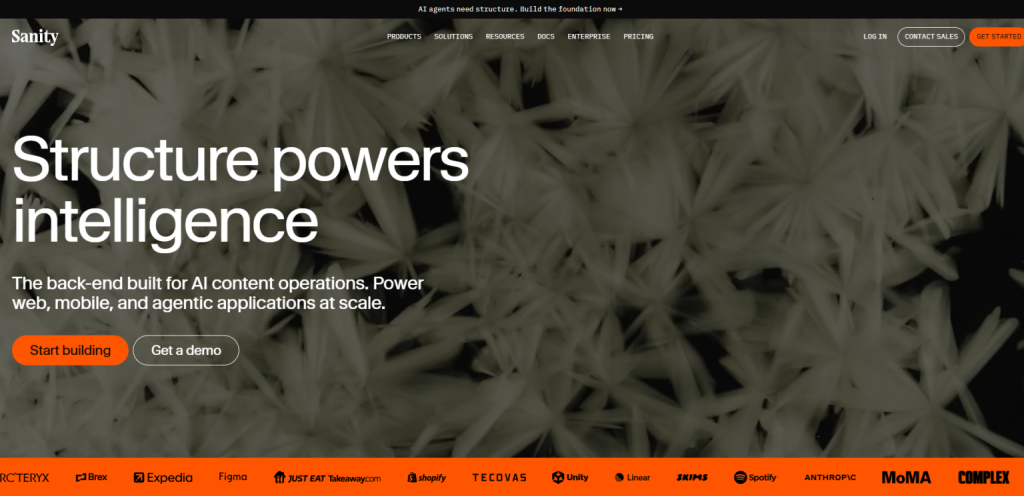
Sanity supports real-time collaborative editing with a customizable interface tailored to your workflows. Its Portable Text format enables a “write once, publish anywhere” model – websites, mobile apps, IoT devices, and digital signage can all pull from the same content source.
Structured content modeling and the GROQ query language allow flexible delivery to any frontend framework. Pricing includes a free tier for small projects, then starts at $99/month based on usage.
Contentful for Established Headless Infrastructure
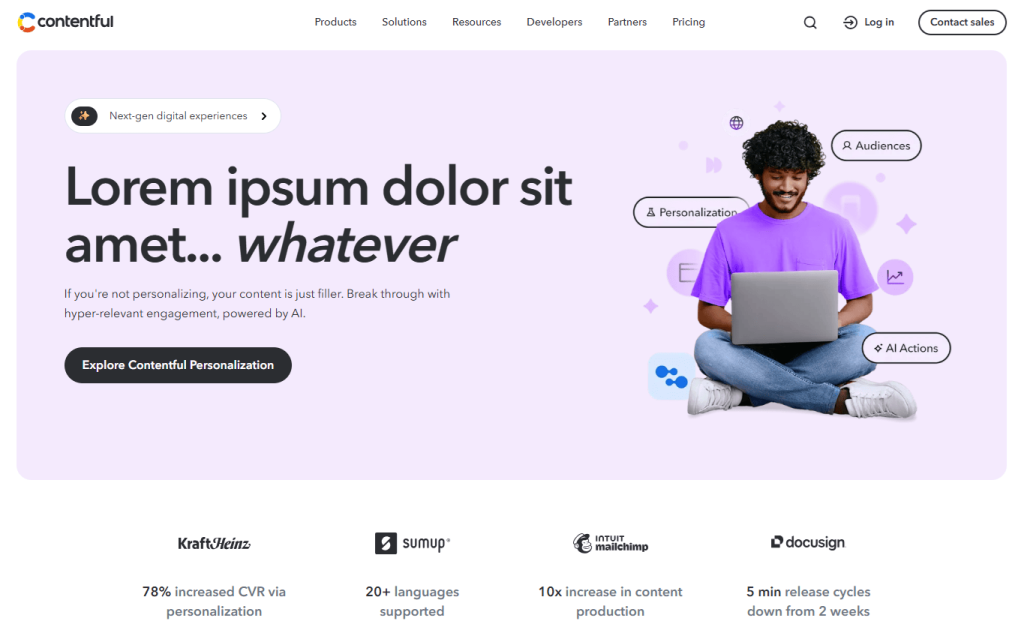
Contentful delivers API-first architecture with SDKs for JavaScript, Python, Ruby, PHP, and major frameworks. Enterprise-grade content modeling and localization workflows support global teams managing translations and regional content variations.
The developer ecosystem is strong, though pricing can escalate quickly as content volume and API calls grow. Plans start free for small projects and jump to $489/month for team features.
Drupal for Complex Permission Requirements
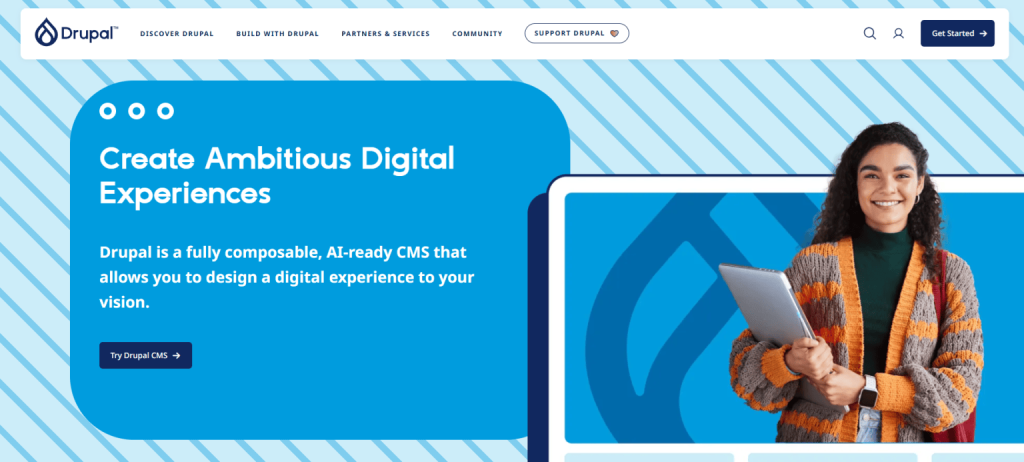
Drupal excels at enterprise data modeling and granular role-based access control, making it popular in government and higher education environments with strict compliance demands.
The trade-off is complexity. The platform has a steep learning curve, requires command-line proficiency, and depends on specialized developers. It’s open-source with no licensing fees, but implementation costs can be high due to developer scarcity and architectural complexity.
Download a Free Actionable Guide: 45+ Actionable Tips to Boost WordPress Speed for High-Traffic Sites (Includes Impact Score)
When Staying on WordPress Beats Replatforming
Many teams abandon WordPress because of pain points that aren’t actually down to platform limits – they’re implementation issues. Fix the architecture, and the story often shifts. Instead of struggling with WordPress, organizations discover it outperforms alternative platforms that replace familiar problems with entirely new constraints.
Cost Reality Check
Switching platforms often includes:
- Migration costs.
- Rebuilding integrations.
- Team retraining.
- Vendor lock-in risks.
In many cases, optimizing WordPress costs significantly less than migrating.
Plugin Bloat Is an Implementation Problem
Enterprise setups don’t run hundreds of plugins. WordPress VIP implementations typically cap plugins at fewer than 20 essential tools, handling unique needs through custom code rather than stacking marketplace add-ons that clash with each other.
Automated code scanning on pull requests flags security and performance problems before plugins ever reach production. Git-based plugin management replaces dashboard installs, blocking unauthorized additions and keeping versions consistent across environments. Immutable file systems also prevent direct file modification or execution, shutting down a major class of attack vectors.
Security Concerns Disappear with Proper Infrastructure
Security problems usually trace back to weak infrastructure, not WordPress itself. Enterprise implementations use automated vulnerability scanning to catch plugin risks before they create exposure. SOC Type 2–compliant infrastructure with 24/7 monitoring detects and responds to threats across time zones without your team living inside monitoring dashboards.
Code reviews surface security risks during development rather than after deployment, when fixes mean rushed emergency patches. Managed WordPress hosts also push core updates quickly while maintaining compatibility testing environments for safe plugin upgrades.
Performance Scales with Proper Architecture
With the right architecture, WordPress handles serious traffic. Object caching with Redis or Memcached cuts redundant database queries, reducing server load significantly, even on high-traffic sites. CDN integration combined with server-side caching supports daily visitors without slowdowns or timeout errors during spikes.
Database optimization through proper indexing keeps queries fast even when content tables contain millions of entries. Managed hosting with auto-scaling infrastructure absorbs traffic surges during promotions without manual intervention or frantic capacity planning.
WordPress Offers Flexibility Alternatives Can’t Match
Enterprise teams also stick with WordPress because of its flexibility. Multi-stage approval workflows and custom role-based permissions extend well beyond the standard Author/Editor/Admin structure – essential for large editorial teams managing sensitive content. Custom post types and taxonomies allow complex content relationships without awkward workarounds.
The REST API and WordPress ecosystem connect to CRMs, Enterprise Resource Planning systems (ERPs), and marketing automation platforms without the custom development overhead headless platforms often require for each integration. Multisite networks manage 10+ properties from a single dashboard with shared plugins, themes, and single sign-on across sites, capabilities many alternatives only provide through expensive add-ons.
Getting Enterprise Results Without Enterprise Pricing
Here’s how Multidots approaches platform selection and implementation:
Choosing a platform gets plenty of attention. But implementation quality usually decides whether things fly or fall apart. Poor execution makes any CMS slow and insecure. Solid architecture lets WordPress run reliably at enterprise scale. More often than not, success depends less on the logo in your tech stack and more on the expertise of the partner implementing it.
Multidots is a WordPress VIP Gold Partner with 1000+ zero-downtime migrations and an official Sanity partnership. That means deep experience across both traditional WordPress and modern headless architectures. Their “1st Class for Less” model delivers VIP-quality work at $50–99/hour, compared with $150–300+/hour charged by many competing agencies, using a proven global delivery model.
That model pairs US-based project management with skilled global development teams to deliver enterprise results at midmarket budgets. Organizations get the quality and accountability associated with premium agencies, without the hourly rates that often make enterprise WordPress projects hard to justify for growing companies.
VIP Standards at Global Rates
SOC Type 2 compliant infrastructure, backed by 24/7 follow-the-sun support across US and India time zones, ensures issues are addressed quickly no matter when they appear. Code reviews aligned with WordPress VIP standards, combined with automated vulnerability scanning and immutable file systems, maintain strong security without piling extra operational work onto internal teams.
Multidots also built Multicollab, the Google Docs-style collaboration plugin now used by WordPress VIP itself. Creating tools adopted by the platform demonstrates technical depth that goes beyond client services and shows ongoing contribution to the broader WordPress ecosystem.
Objective Platform Recommendations
An official Sanity partnership means platform recommendations aren’t tied to WordPress alone. When a headless CMS architecture is the better fit, that’s the path suggested. The goal is solving the client’s problem, not defending a single-platform business model.
Across 1000+ migrations, there have been cases where the recommendation was to stay on the existing platform and optimize it rather than replatform. Experience across WordPress VIP and modern headless systems removes single-platform bias from the process, ensuring guidance is based on what works best rather than what’s easiest to sell.
Choose Your Platform with Confidence
Choosing the best WordPress alternative isn’t about league tables or trend charts. It comes down to your situation. Small sites often thrive on managed builders that remove maintenance overhead. Online stores usually perform better on dedicated commerce platforms. Publishers benefit from tools designed specifically for editorial workflows. And enterprises running multi-channel distribution need structured content systems that can keep everything organized.
That said, many teams discover their WordPress frustrations aren’t platform limits at all – they’re implementation issues. Plugin bloat slows sites down. Security worries pile up. Performance starts wobbling. With proper architecture, those problems fade: limit plugins to essential tools, run automated vulnerability scanning, and deploy object caching with CDN integration.
Which means the real decision is about evaluating total cost of ownership, data portability, development requirements, and operational overhead with a clear head.
If you’re not sure which route makes sense, Multidots offers complimentary platform assessments that map your technical needs and business goals to the right solution – whether that’s optimized WordPress, headless architecture, or migrating to a different platform altogether. Schedule a consultation for an objective recommendation.