Drupal to WordPress Migration
Website migration is our superpower. With over 1000 successful migrations under our belt, we make moving your Drupal website to WordPress effortless. If you’re looking to switch to WordPress before your next renewal to cut costs or tackle a tight deadline, we’re the go-to team for mission-critical migrations. We’ll handle everything from the planning to the final switch, ensuring a seamless transition with zero downtime.
Why Migrate from Drupal to WordPress?
Drupal is known for its technical power, but that power comes with complexity—longer development cycles, higher maintenance costs, and a steeper learning curve for content teams. WordPress delivers the same flexibility with a faster, more accessible development workflow and a significantly larger ecosystem. Here’s how they compare.
Complexity
Drupal requires more technical expertise to manage and develop, creating a heavier reliance on specialized developers. WordPress is easier for non-developers to use while still offering the depth that technical teams need.

Community Size
Drupal’s community is smaller, which means fewer readily available resources, tutorials, and third-party integrations. WordPress has the largest CMS community in the world—finding support, plugins, and talent is significantly easier.
Customization
Drupal is highly customizable, but achieving that customization often requires extensive coding and development work. WordPress allows for easier, faster customization through its vast library of themes and plugins—without sacrificing flexibility.
Development Time
Building on Drupal generally takes longer due to its complexity. WordPress enables quicker development and deployment, getting your site live faster without cutting corners.

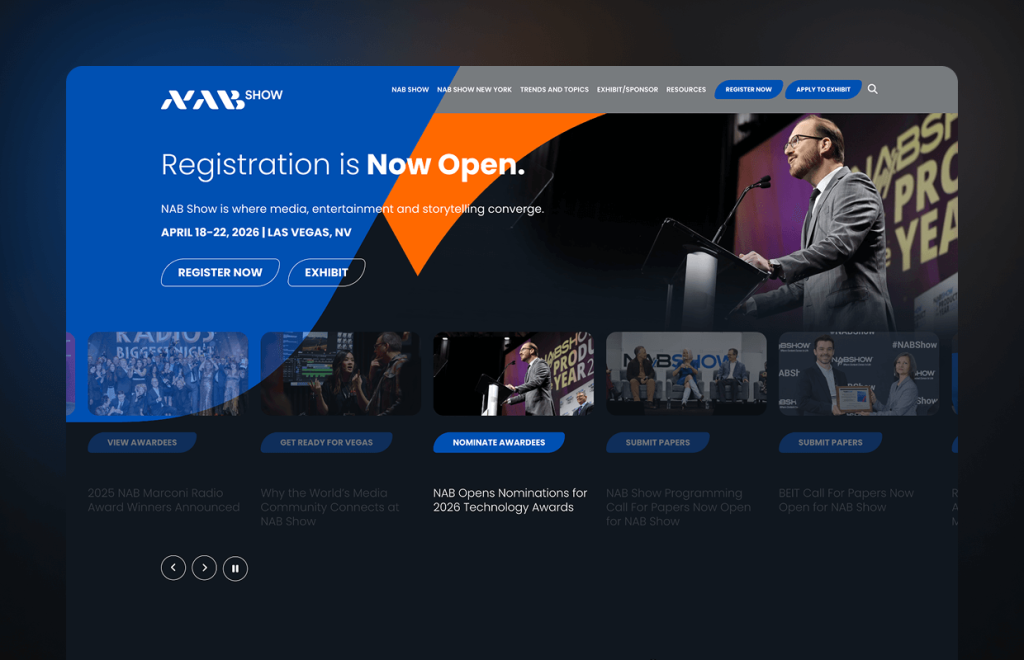
We all at NAB Show were delighted to work with the Multidots team. They delivered the website on time and absolutely are the Drupal to WordPress migration and Gutenberg experts. Their commitment to quality and service is unprecedented. We are continuing to work on other projects with them.


Questions about Drupal to WordPress Migration?
We invite you to a complimentary CMS consulting session to enhance your enterprise’s digital presence.
Migration Expertise
1000+ Website Migration
2.5M+ Pages Migration
0.00 Downtime
~60% Average Performance Improvement
10+ CMS Platforms Migrated to WordPress
Up to 98% SEO Traffic Retention Rate
WordPress: The Ultimate Enterprise-Grade CMS
Global enterprises across finance, tech, and media run on WordPress—not because it’s trendy, but because it gives them full control over their platform without the overhead of traditional CMS limitations. Here’s what that looks like in practice.

Opensource
WordPress is open-source—no vendor lock-in, no licensing fees, full ownership of your codebase. Your team can customize every layer without waiting on a proprietary CMS. For enterprises moving off legacy CMS platforms, that’s a fundamental shift: from paying for permission to owning your infrastructure outright.

Security
WordPress powers sites for NASA, Slack, and The White House. The platform’s dedicated security team ships regular updates, and paired with WordPress VIP’s infrastructure, you get enterprise-grade protection, automated patching, and SOC-2 compliant hosting. Not security by reputation—security by architecture.

Extendibility
Thousands of plugins, a mature REST API, and native headless support mean WordPress slots into your existing stack—CRM, analytics, e-commerce, whatever you’re running. You’re not rebuilding workflows around a new platform. It adapts to how your business already operates.
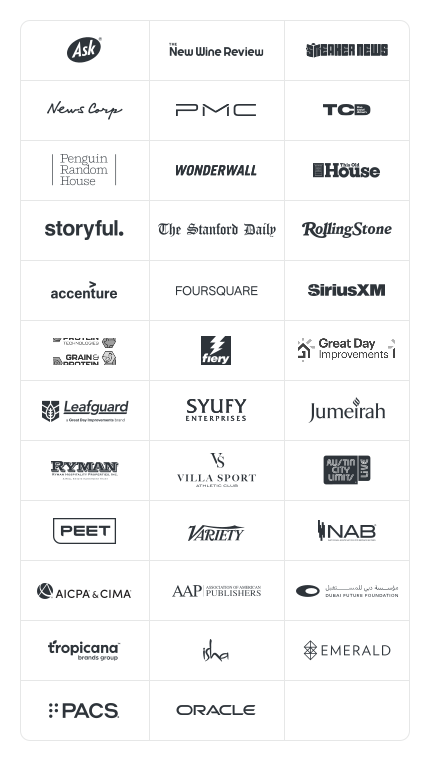
Big Brands Powered by WordPress












Our Proven Four-Phase Migration Process
Audit and planning
Kick-start the process with a comprehensive audit of your existing CMS, identifying strengths and areas for improvement.
Migration execution
Sit back while our team handles the technical aspects of migrating, from smooth data transfer to functionality replication.
Testing and debugging
Post-migration, rigorous testing is conducted to ensure everything functions as intended and is ready for optimal performance.
Training and support
We’ll provide support to get you up to speed on your new platform with expert assistance, documentation, and guidance for your team.
Enterprise Brands Trust Multidots for Their Website Migrations
































Move with Confidence:
Migrate from Drupal to WordPress
Step-by-Step Guide to Make Your Website Migration Smooth and Stress-Free