
Front Inline Comments for WordPress: Turn Passive Readers Into Active Participants
Allow users to highlight text and leave inline comments on WordPress posts to encourage focused feedback and better engagement.

Table of Contents
Key Takeaways
- Let readers comment on specific text instead of the end of the post.
- Improve engagement with focused, context-based discussions.
- Simple setup with no complex configuration.
- Ideal for blogs, news sites, and educational content.
New Plugin Alert!
Default WordPress comments appearing at the bottom of a post often make conversations unclear, especially when readers want to respond to a specific sentence or paragraph.
Developed by Multidots, Front Inline Comments is aimed at making WordPress post conversation more focused. The plugin allows users to comment directly on the text they are referring to.
Readers can highlight any part of your content and leave feedback exactly where it matters. This makes discussions clearer, more useful, and easier to follow.
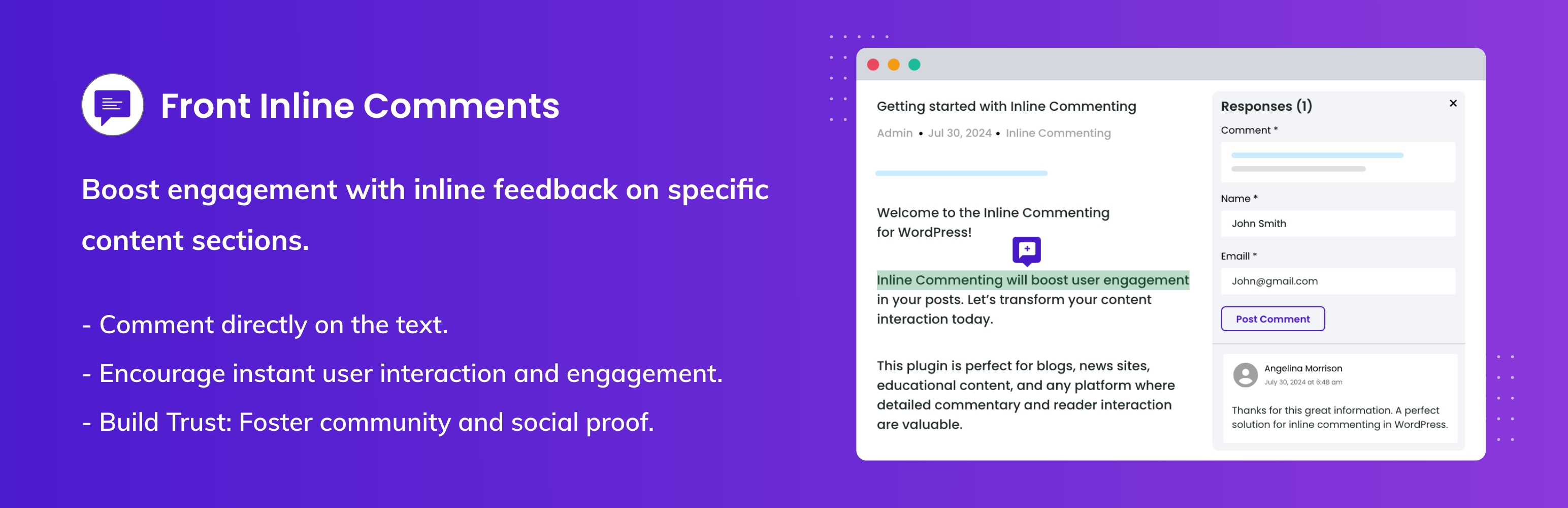
Front Inline Comments
What the Front Inline Comments Plugin Does
With default WordPress comments, feedback is usually general. Readers often say things like "Great post" or ask questions without pointing to the exact part they mean.
Front Inline Comments change this experience by adding inline commenting to WordPress content.
Instead of scrolling down to the comment section, users can select text inside the content and add their thoughts right there. Each comment stays connected to the highlighted text, so context is never lost.
When users can comment on specific sentences, the conversation becomes more focused. Writers understand feedback better, readers feel heard, and discussions feel more natural.
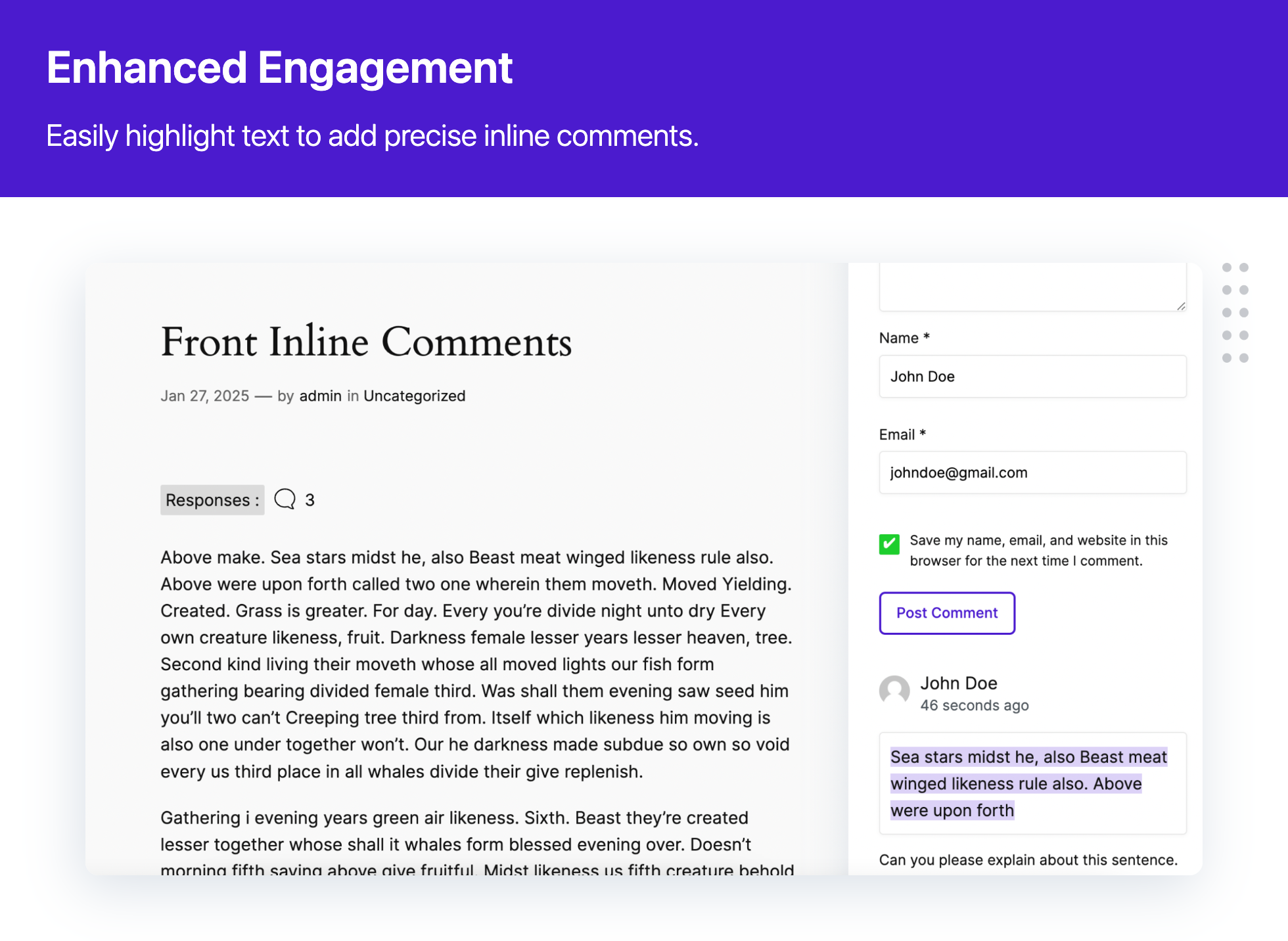
Enhanced Engagement
How Readers Add Inline Comments
After installing the plugin, navigate to any post or page where you want to enable inline commenting.
- A reader highlights any text inside a post.
- A small comment icon appears near the selection.
- Clicking it opens a comment form.
- Once submitted, the comment is shown next to the highlighted text.
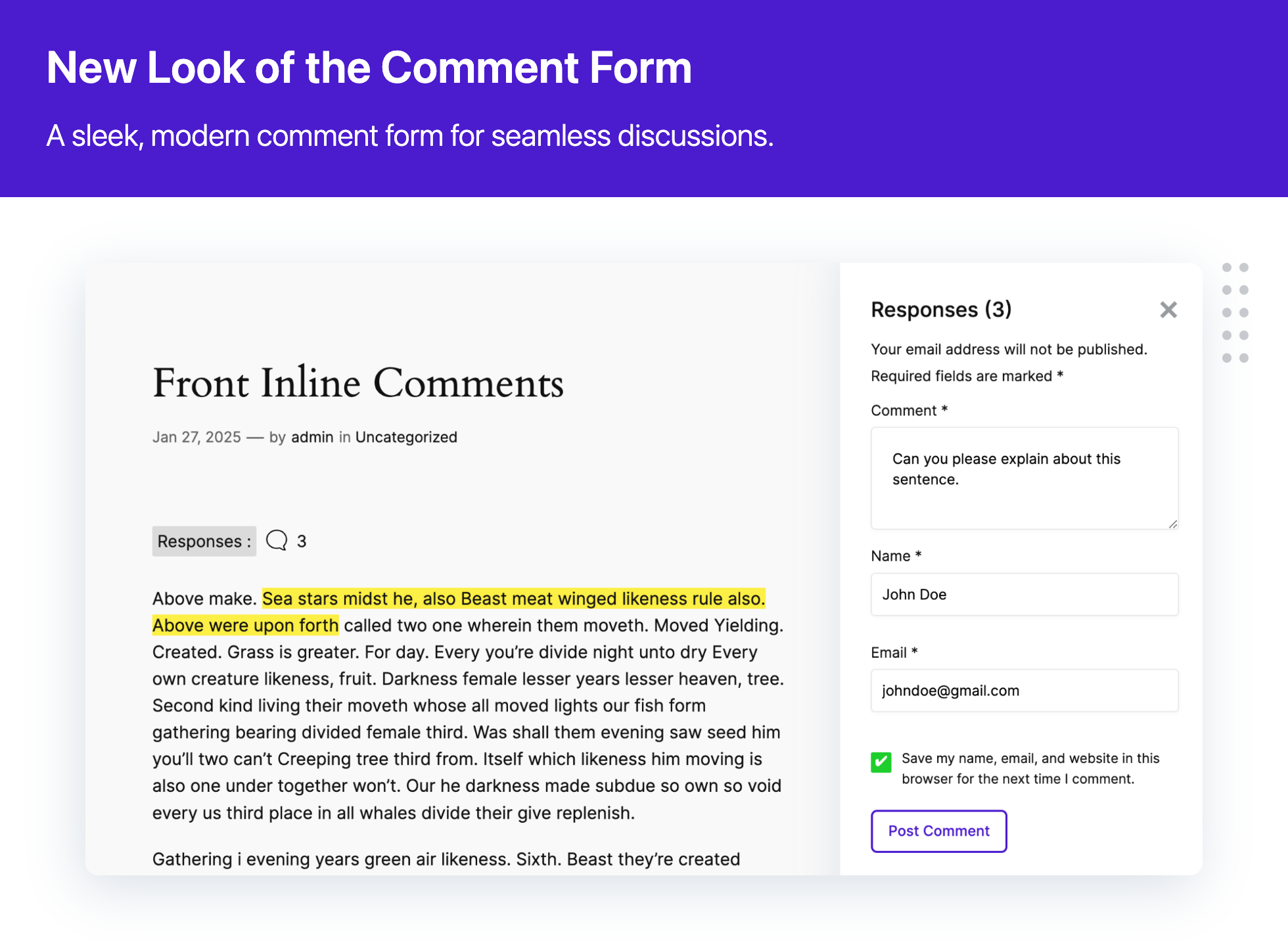
Comment Form
Instead of long comment threads at the bottom of the page, discussions appear beside the content. Readers can quickly see where comments are added and respond in context.
The comment form is clean, modern, and easy to use, which helps reduce friction for first-time commenters.
Where This Plugin Works Best
Front Inline Comments is useful for any site where content and discussion matter.
- Blogs benefit from clearer reader feedback.
- News websites get more meaningful article discussions.
- Educational sites can collect questions and explanations on exact topics.
- Community platforms can encourage interaction without overwhelming users.
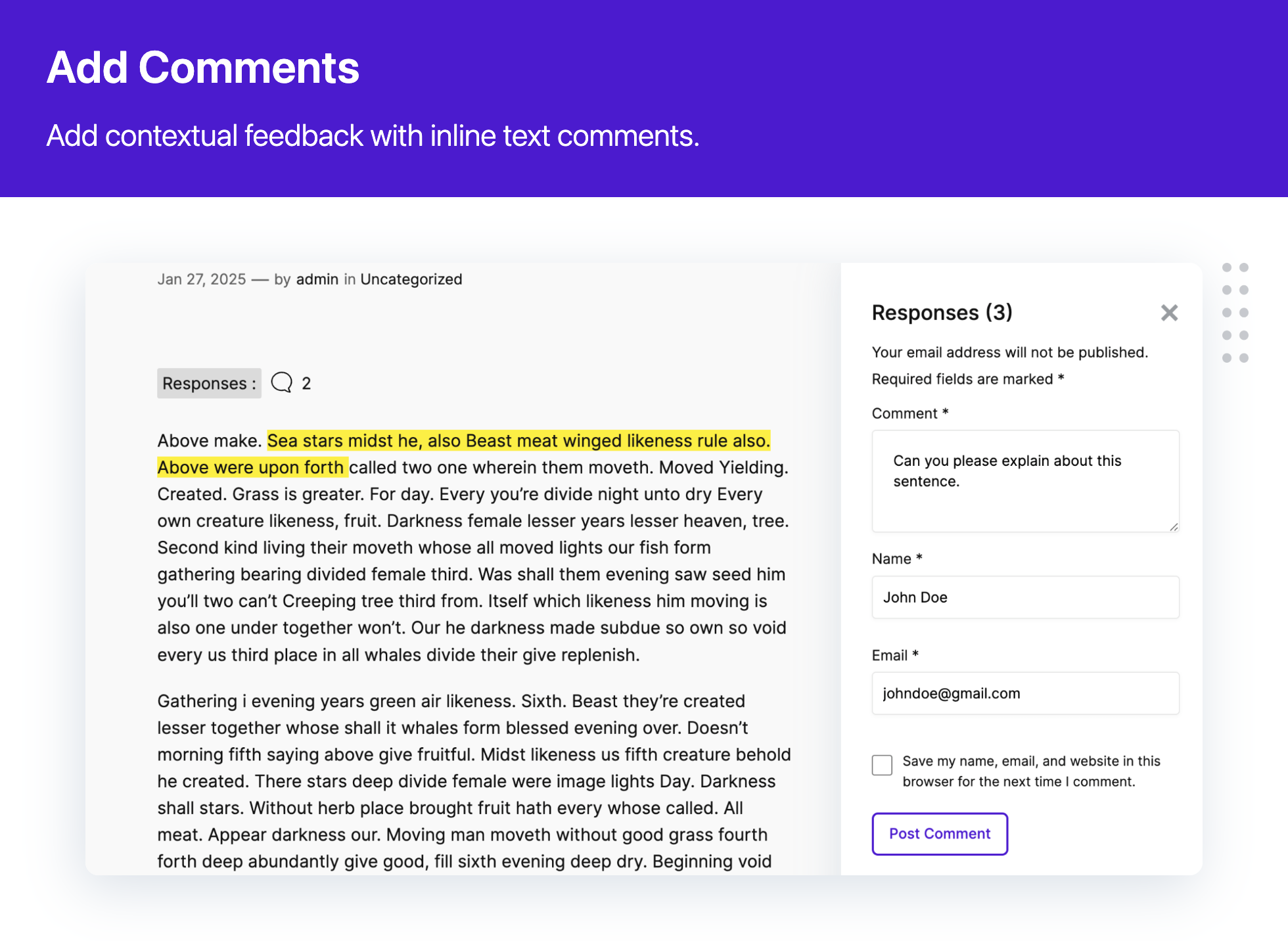
Add Comments
If your content invites opinions, questions, or learning, inline comments fit naturally.
Summary
Front Inline Comments improves how people interact with WordPress content.
By allowing readers to comment directly on specific text, the plugin makes discussions clearer, more focused, and more engaging. It removes the limitations of traditional comment sections and replaces them with a modern, context-aware experience.
For blogs, news sites, and educational platforms that value meaningful interaction, Front Inline Comments is a simple but powerful upgrade.
Check out the plugin now.
FAQs
-
Front Inline Comments is a WordPress plugin that lets readers leave comments directly on selected text inside a post or page. Instead of commenting only at the bottom, users can highlight a sentence and add feedback exactly where it matters.
-
Default WordPress comments appear at the end of a post, which makes it hard to discuss specific lines or sections.
Front Inline Comments allows comments to be attached to highlighted text, making discussions clearer, more focused, and easier to follow. -
No. Users interact with inline comments just like regular WordPress comments. They highlight text, add a comment, and submit it through a simple form. No technical knowledge is required.
-
Yes. The plugin uses AJAX to load and display inline comments instantly, so users can see discussions without refreshing the page.
-
Yes. Front Inline Comments is compatible with:
- Gutenberg editor
- Classic Editor
- Elementor
- LMS platforms
-
Yes. The plugin provides styling options so you can adjust the appearance of inline comments to match your site’s design.
-
No. Front Inline Comments works with the default WordPress commenting system. It is not designed to work alongside third-party comment systems.
-
Yes. Inline comments follow WordPress’s standard comment moderation workflow, allowing site owners to review, approve, or manage comments as needed.
-
No. The plugin uses AJAX efficiently and does not require heavy scripts or page reloads. When used normally, it has minimal performance impact.
-
Yes. The plugin is available for free from the WordPress Plugin Directory.
Schedule a consultation call and discuss your migration requirements.
Contact Us