MultiDAM
Digital asset manager for WordPress: centralize, version, and track media across your entire multisite network.
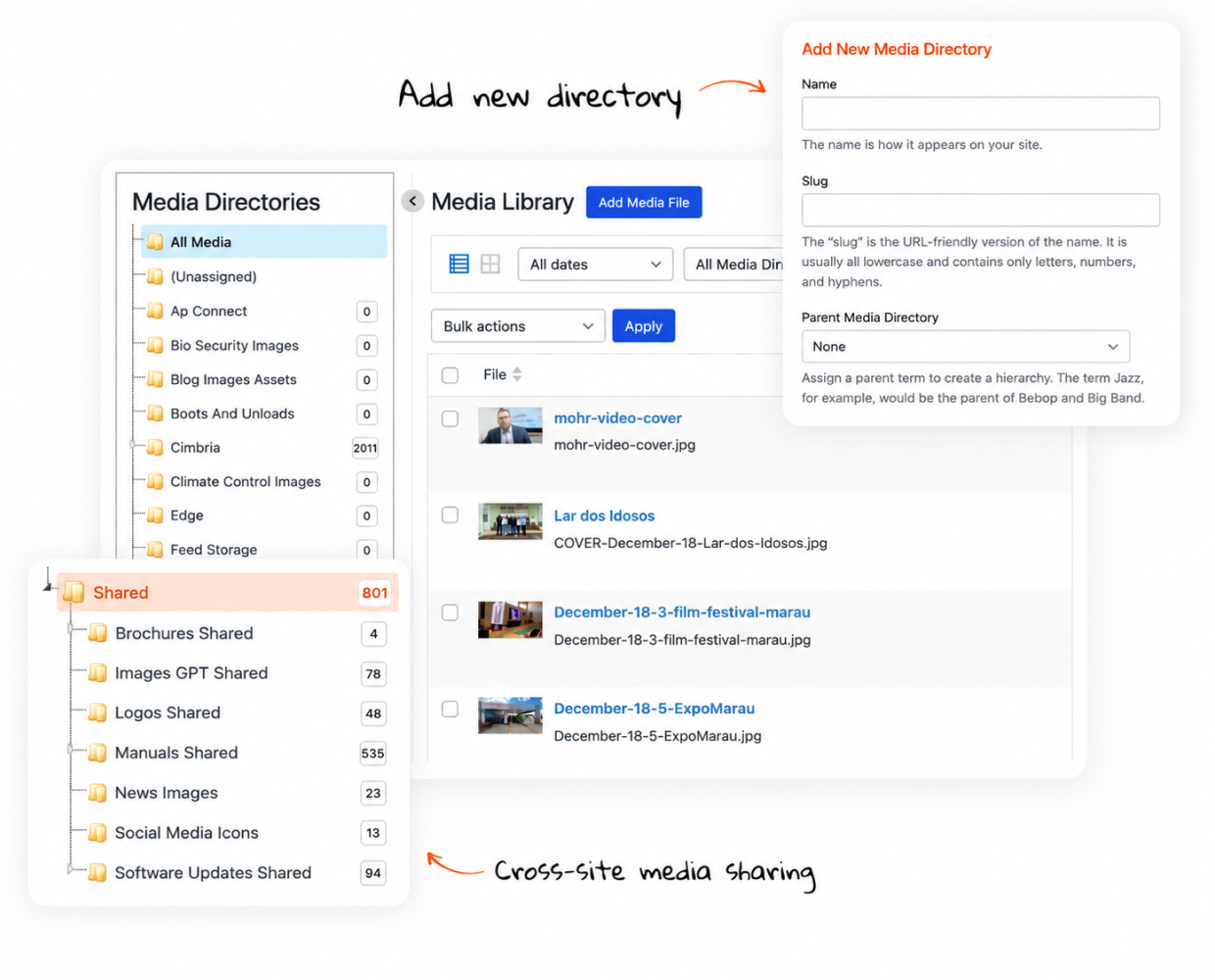
Key Features
Built for Teams Managing Media at Scale
MultiDAM brings folder hierarchy, version control, usage tracking, and cross-site sharing to the WordPress Media Library—without leaving the admin.
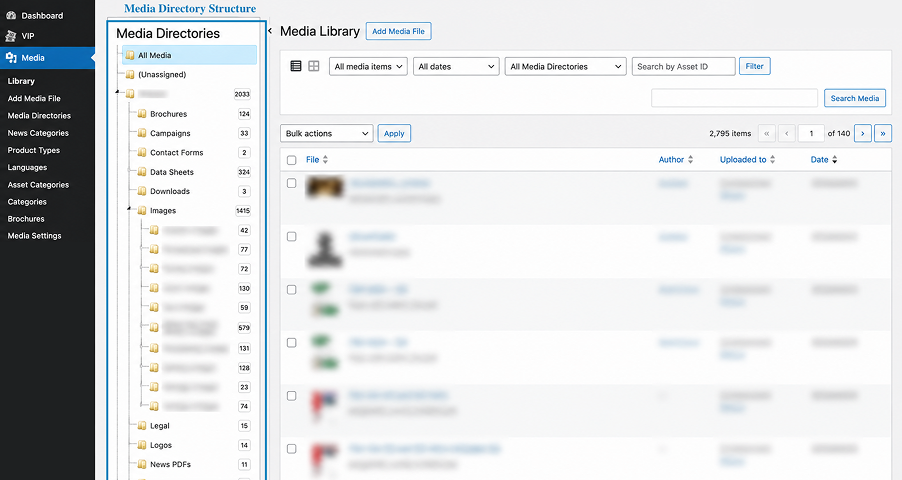
Structured Directory System
Organize media files in a folder hierarchy inside the Media Library—easier navigation across large asset sets.
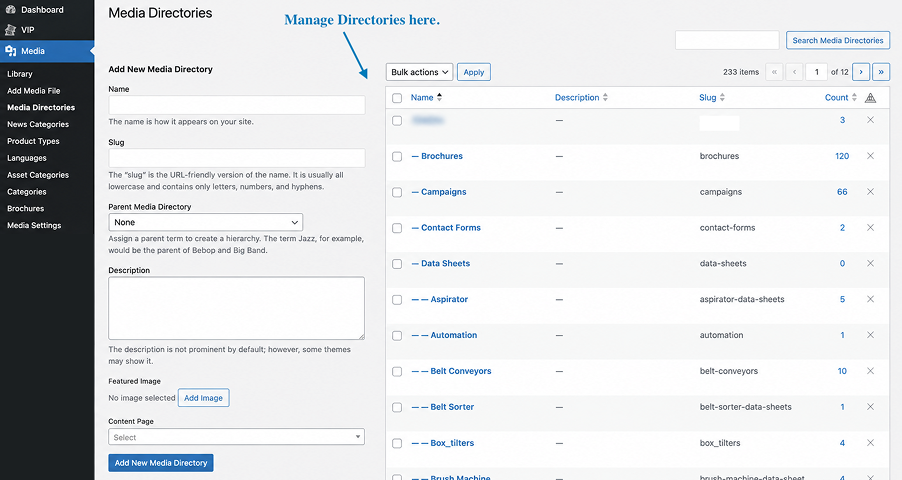
Create & Manage Media Directories
Admins define directory names, slugs, parent folders, and descriptions from a dedicated screen — building the taxonomy your library runs on.
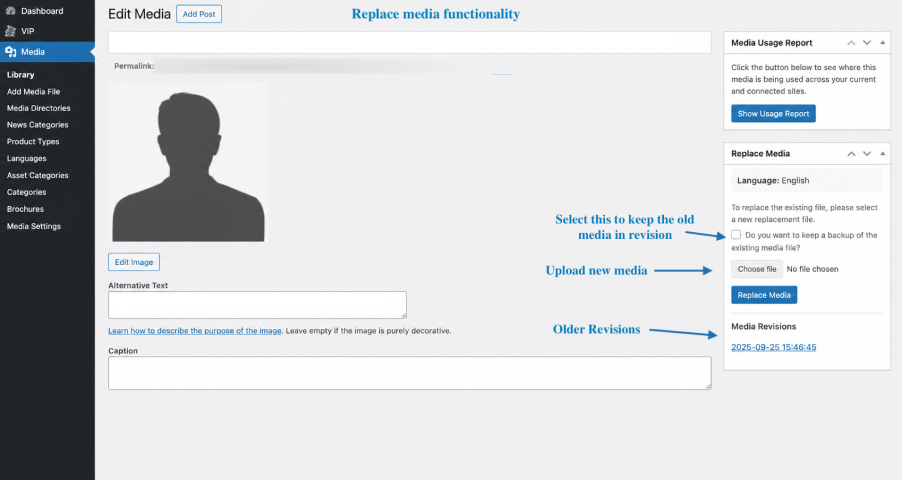
Version Control on Replace
Update media files without changing URLs. Maintains version history and keeps every reference consistent.
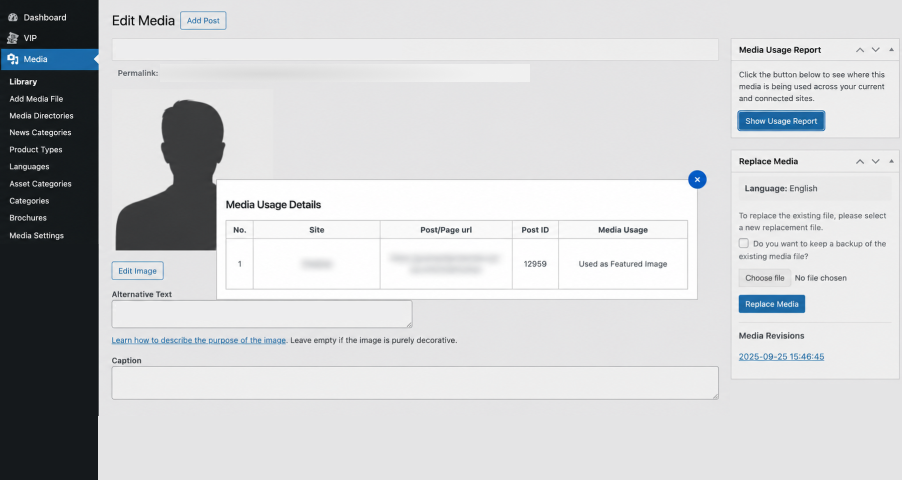
Media Usage Reports
See where each asset is used—page/post URLs, usage type, and which subsite in multisite setups.
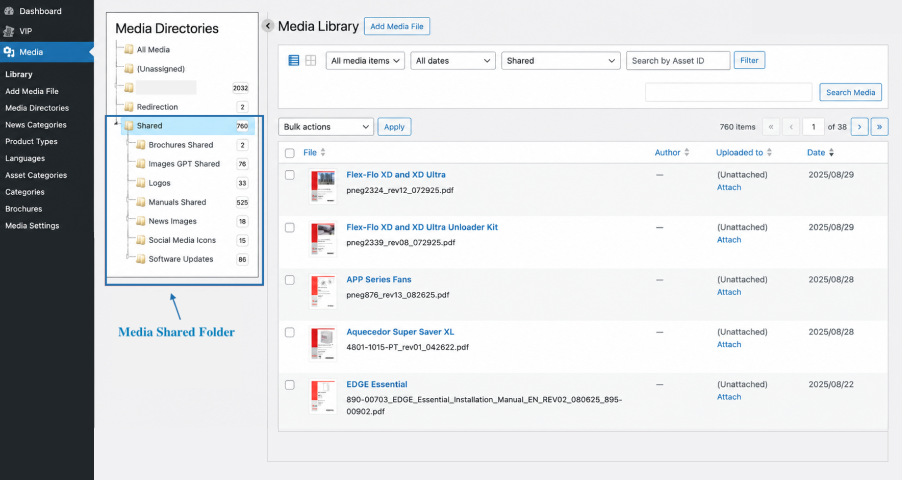
Cross-Site Media Sharing
Share assets across a multisite network via a designated Shared Folder—no duplicates, no storage waste.
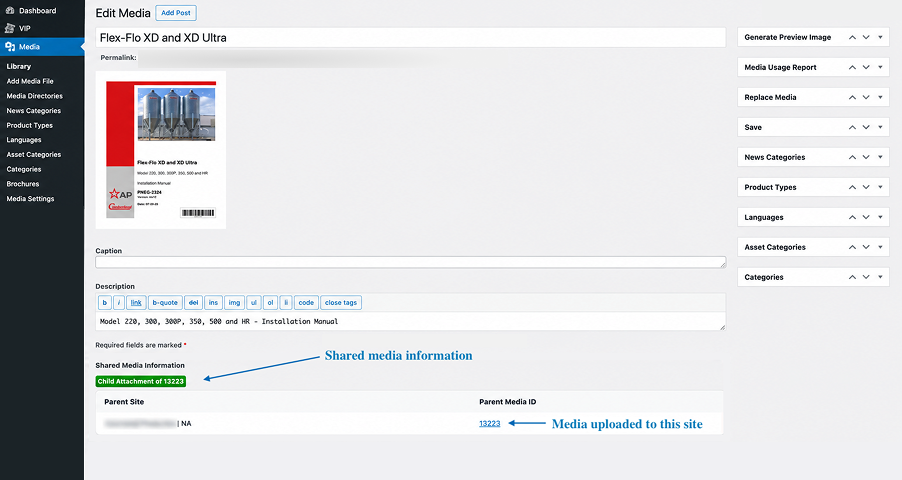
Usage Transparency
Detailed list of every site and page using each shared asset—full visibility across the network.
Ready to govern your media at scale?
Tell us about your media library and we’ll show how MultiDAM fits into your WordPress or multisite setup.