
Key Takeaways
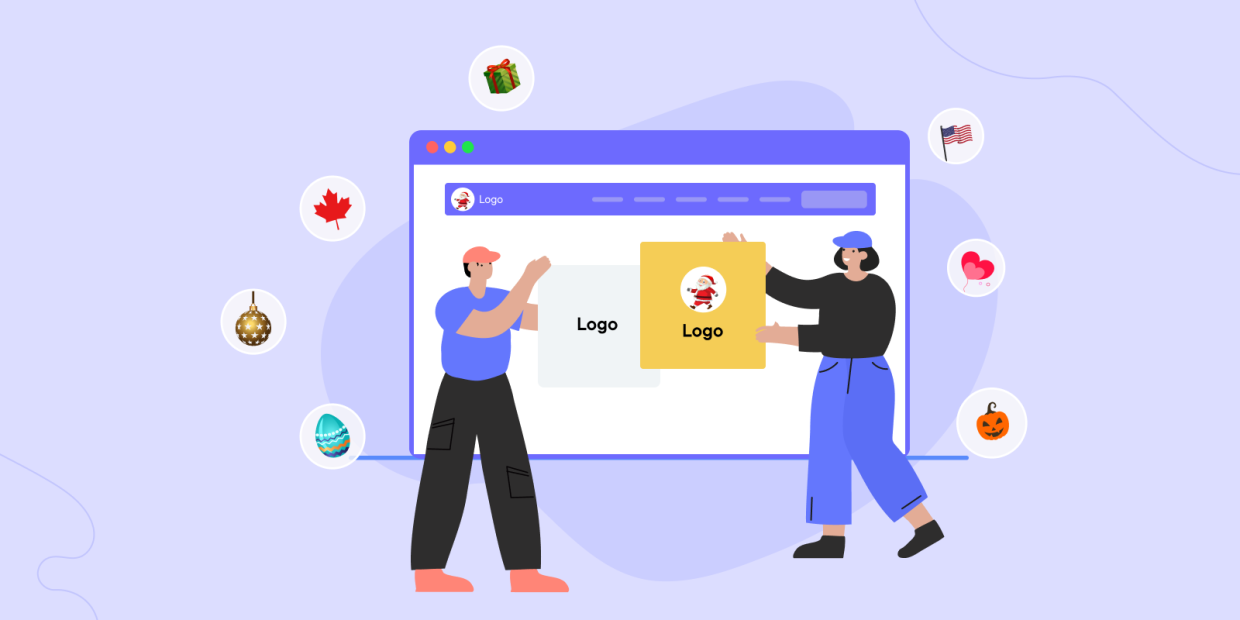
- Automatically change your WordPress site logo for holidays, festivals, seasons, and special events.
- Schedule logo changes using date ranges with optional yearly repetition.
- Upload multiple logo variants for light mode, dark mode, and mobile devices.
- Works even with themes that do not support dynamic logos using JavaScript fallback and manual integration options.
New Plugin Alert!
We recently released a new WordPress plugin called Multidots Doodle.
It is designed to help site owners automatically change their site logo during special occasions, festivals, seasonal campaigns, or custom events.
Instead of manually updating logos every time an event comes around, Multidots Doodle lets you define logo rules that activate automatically based on dates, with support for multiple logo variations and theme compatibility.
Multidots Doodle
What the Multidots Doodle Plugin Does
Multidots Doodle allows you to control when and how your WordPress site logo changes.
You can use it to:
- Create scheduled logo rules for specific occasions.
- Choose from a preloaded list of popular events or create custom occasions.
- Define start and end dates for each logo.
- Automatically repeat logo changes every year.
- Upload different logo versions for different display contexts.
- Ensure logo switching works even if your theme has limitations.
All logo rules are managed from a single admin screen and can be enabled, disabled, or updated at any time.
Who Should Use This Plugin?
Multidots Doodle is useful for anyone who updates their branding based on time-based events.
It is especially useful for:
- Businesses running festive or seasonal campaigns.
- Marketing teams managing event-based branding.
- Agencies handling multiple client sites.
- Websites supporting dark mode and mobile-first designs.
- Sites that want automated branding without manual intervention.
Plugin Overview
Let’s take a look at the features offered by the Multidots Doodle plugin.
Preloaded Occasions and Custom Events
Multidots Doodle lets you manage logo changes with a preloaded list of common occasions such as Christmas, New Year, Halloween, and Easter, so you can get started quickly without manual setup. It is one of the best WordPress logo changer plugins that you can add to your website toolkit.
In addition to the built-in options, you can also create custom occasions tailored to your own campaigns or events.
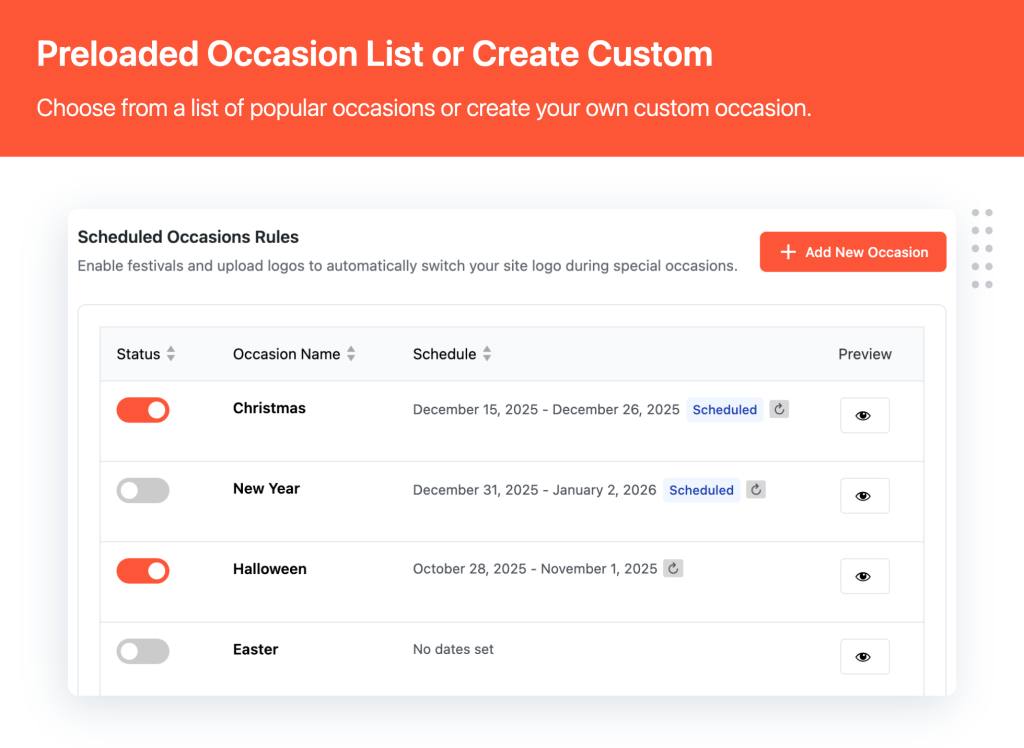
Preloaded Occasion List
Each occasion can be enabled or disabled independently, and the overview screen clearly shows which logo rules are scheduled, active, or inactive, helping you manage multiple events without confusion.
Set When Each Logo Should Appear
For every occasion, you control exactly when the logo becomes active and when it reverts back. You can set a clear start date and end date, along with a custom occasion name for easy identification.
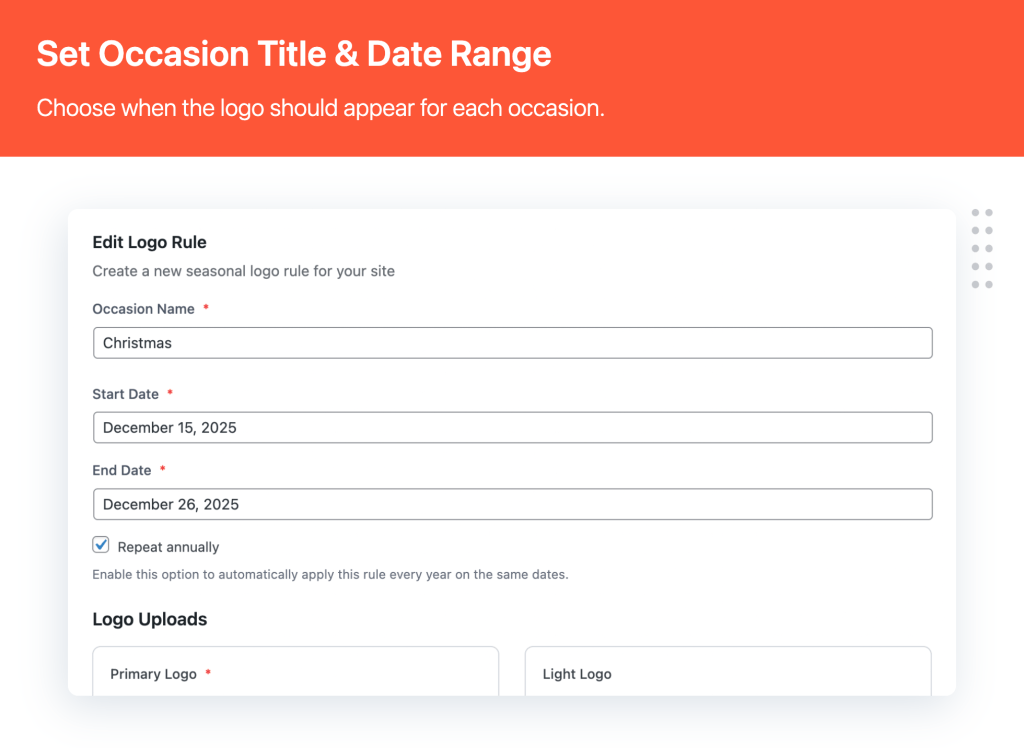
Set Occasion Title & Date Range
Multidots Doodle also includes a repeat annually option. When enabled, the same logo rule automatically applies every year on the same dates, eliminating the need to recreate seasonal or festival-based branding updates.
Upload Multiple Logo Variations
To ensure your logo looks correct across different layouts and themes, Multidots Doodle supports multiple logo variations for each occasion. You can upload a primary logo that replaces your default site logo, along with optional light, dark, and mobile-specific logo variants.
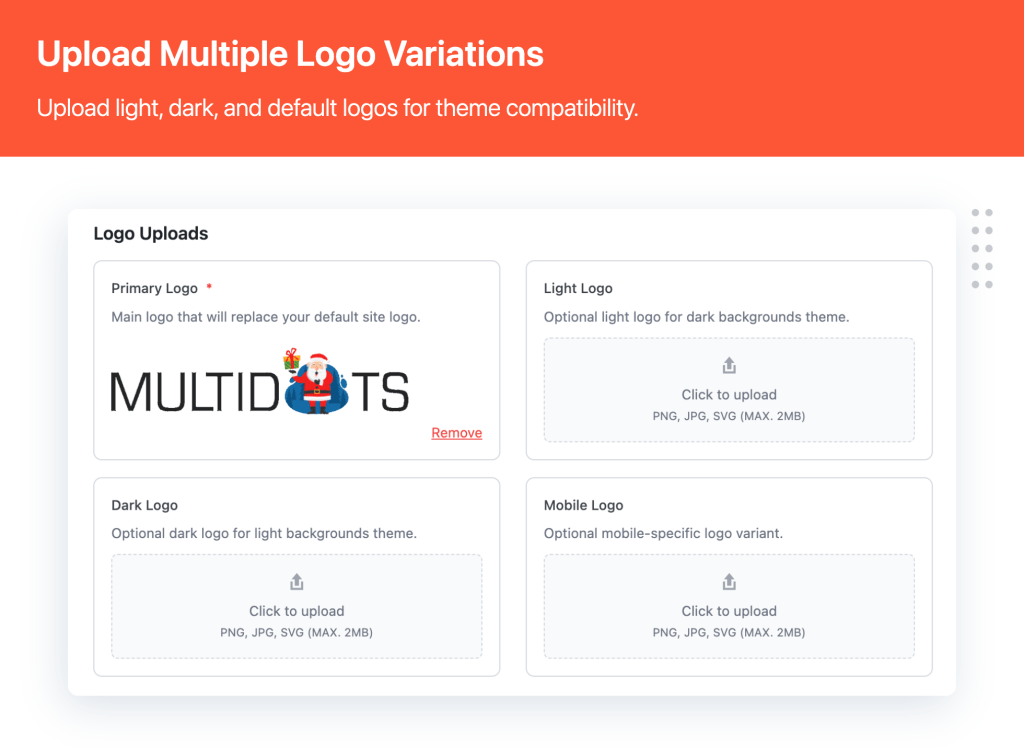
Upload Multiple Logo Variations
If a specific variant is not provided, the plugin intelligently falls back to the primary logo. This ensures consistent branding without forcing you to upload every possible version.
Ensure Logo Switching Works with Any Theme
Not all WordPress themes support dynamic logo replacement through standard WordPress hooks. To handle this, Multidots Doodle includes a JavaScript fallback option designed to maintain compatibility.
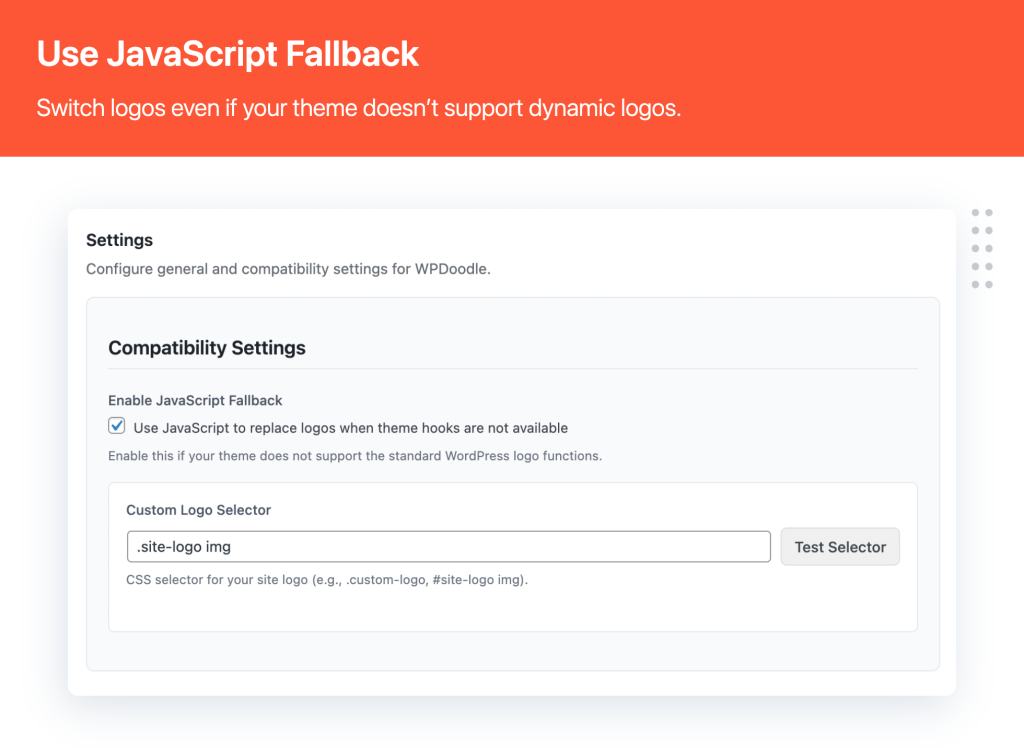
JavaScript Fallback
When this fallback is enabled, the plugin replaces the logo using JavaScript. You can define a custom CSS selector for your site logo and use the built-in selector test to confirm that the correct element is being targeted. This ensures logo switching works reliably even with older or heavily customized themes.
Manually Place Logos When Needed
For advanced layouts or custom templates, Multidots Doodle provides manual integration options. You can insert the active logo anywhere on your site using a shortcode, making it easy to place event-based logos inside content, headers, or custom sections.
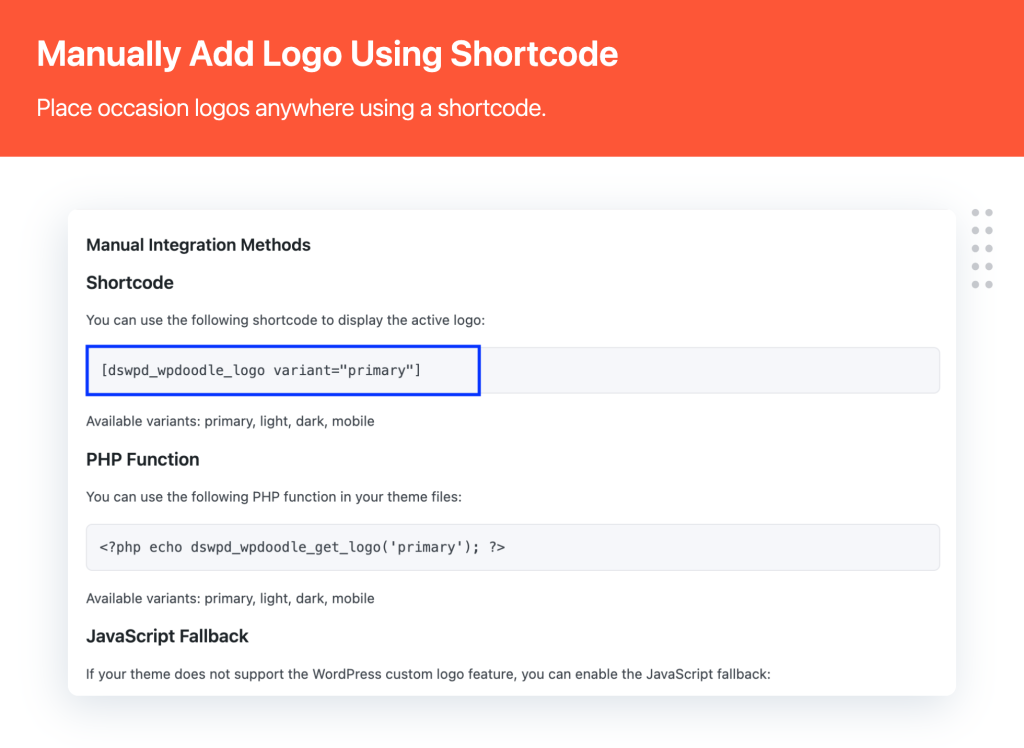
Manually Add Logo Using Shortcode
For developers, a PHP function is available to render the logo directly inside theme files. Both methods still follow the plugin’s scheduling rules, so logos update automatically based on the active occasion.
Installation and Setup
Installing Multidots Doodle is straightforward and follows the standard WordPress plugin process.
- Download the plugin files.
- Upload the folder multidots-doodle to the
/wp-content/plugins/directory.
or upload the ZIP file through the WordPress admin. - Go to Plugins in your WordPress dashboard.
- Activate Multidots Doodle.
- The plugin is now ready to use.
Summary
Multidots Doodle simplifies how WordPress sites handle time-based branding changes. By allowing scheduled logo updates with multiple logo variations, it removes the need for repeated manual logo changes.
Whether you are managing seasonal campaigns, festive updates, or recurring events, the plugin provides a structured and reliable way to keep your site logo aligned with important occasions.Multidots Doodle offers a practical approach to automating logo changes while maintaining full control and flexibility. Check out the plugin live preview now.
FAQs
Multidots Doodle automatically changes your WordPress site logo based on scheduled occasions, events, or custom date ranges.
Yes. You can define start and end dates and enable yearly repetition for recurring events.
Yes. You can upload separate logos for light mode, dark mode, and mobile devices.
The plugin includes a JavaScript fallback with custom selector support to ensure compatibility.
Yes. You can use shortcodes or PHP functions to display logos anywhere.
No. The plugin is lightweight and loads logo assets only when needed.